QUICK START GUIDE
u-line.com
USER GUIDE
u-line.com
Control Operation
Control Operation
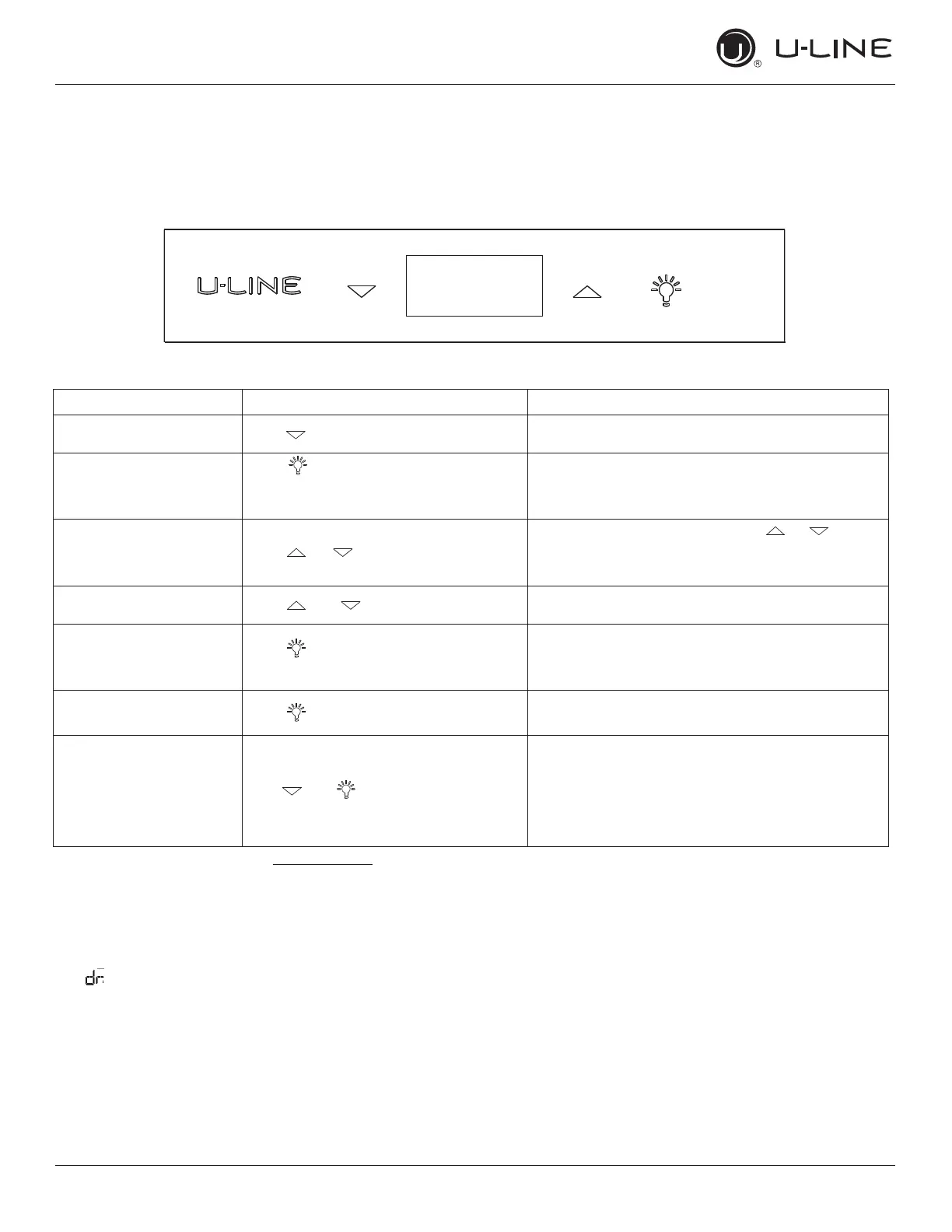
CONTROL FUNCTION GUIDE
FUNCTION COMMAND NOTES
ON/OFF Press and release Unit will turn On or OFF
Leave interior light on
Press and release to leave interior
light on for 3 hours; press again to
deactivate
After 3 hours, factory default is restored; light will
turn on when door is open
Adjust Temperature Press or and release
When the display is ashing, press or to
adjust the set point temperature. Note: temperature
displayed is the actual temperature inside unit
Toggle between
º
F /
º
C Hold and for 5 seconds The display will change units
Enable Sabbath Mode
Press and hold for 5 seconds and
release
The
o
F /
o
C symbol will ash briey after 5 seconds.
Interior light and display will go dark and remain so
until user resets mode - unit continues to operate
Disable Sabbath Mode Press and release Display and interior light return to normal operation
Showroom Mode Hold and for 5 seconds
Display will show
SH for 2 seconds. Interior light and
display will function normally, but the compressor
and fans will not energize.
Repeat command to return to normal operation.
Display will show
EH for 2 seconds.
This unit is Star-K certied. See www.star-k.org for more details.
DOOR ALERT NOTIFICATION
When the door is left open for more than 5 minutes:
•
will appear in display
Close door to silence alert and reset
ALL 1200 SERIES EXCEPT FZR
11



 To Next Page
 Loading...