USER GUIDE
Ice
u-line.com
Ice
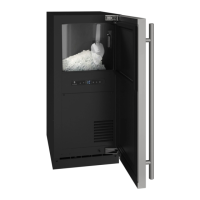
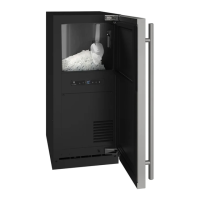
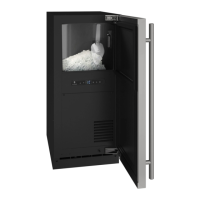
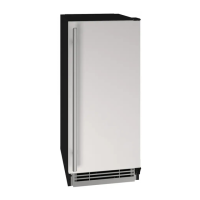
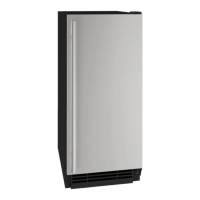
The Nugget Ice Machine produces cylindrical bits of
compressed ice approximately
3
/
4
” x
1
/
2
”.
Ice is produced until the machine senses the bin is full. As
ice slowly melts in the bin, the level of ice drops and ice
production resumes. This ensures a constant supply of
fresh ice is always available.
The factory default ice setting is 0, which produces a firm
and compact ice nugget. U-Line’s exclusive U-Choose™
ice adjustability feature allows you five levels of
adjustment from 0 to -5. At -5 the ice is soft and
chewable.
To adjust the ice density:
1. Hold for 5 seconds - display will flash current ice
setting
2. Adjust using or
3. Confirm setting by pressing
21


 To Next Page
 Loading...