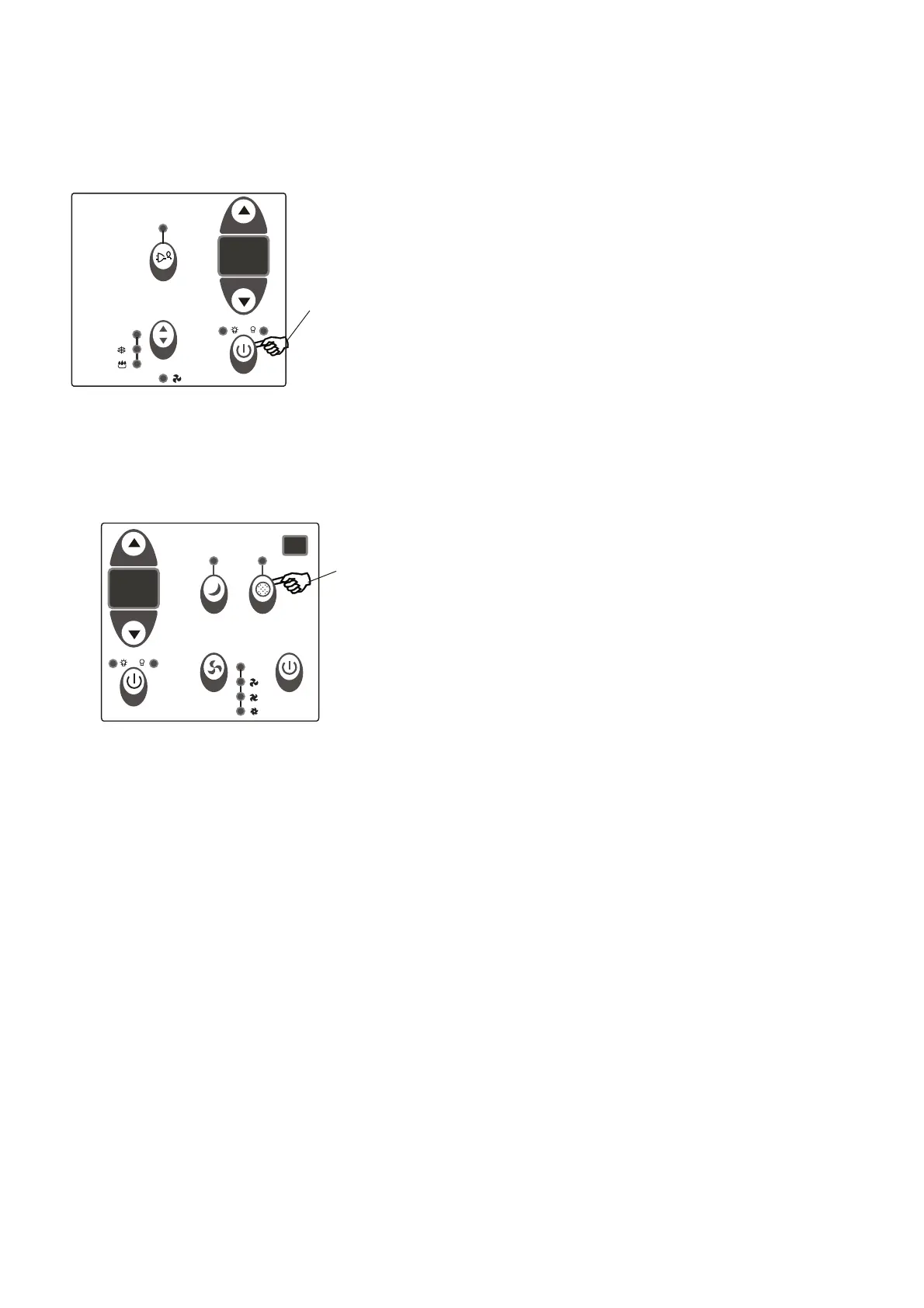
TIMER: AUTO START/
STOP FEATURE:
Press Timer
button
DO THIS:
AIR CONDITIONER FEATURES(CONTINUED)
NOTE:
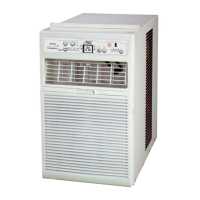
CHECK FILTER FEATURE:
Press Check
Filter button
DO THIS:
This feature is a reminder to clean the Air Filter for
more efficient operation. The LED(light) will illumi-
nate after 250 hours of operation. To reset after
cleaning the filter, press the Check Filter button and
the light will go off.
NOTE:
8
- When the unit is on or off, first press the Timer button,
the TIMER ON indicator light illuminates. It indicates
the Auto Start program is initiated.
- When the time of TIMER ON is displayed
- Press or hold the UP or DOWN button to change the
Auto time by 0.5 hour increments, up to 10 hours,then
at 1 hour increments up to 24 hours. The control will
count down the time remaining until start.
- The selected time will register in 5 seconds, and the
system will automatically revert back to display the
previous temperature setting or room temperature
when the unit is on.(when the unit is off,there is no
display.)
- Turning the unit ON or OFF at any time or adjusting
the timer setting to 0.0 will cancel the Auto Start/Stop
timed program.
,press the
Timer button again, the TIMER OFF indicator light
illuminates. It indicates the Auto Stop program is
initiated.
Au to
Au to



 To Next Page