Port Compartment
Ethernet Port
Reset Button
Power LED
Ethernet LED
LEDs
Power The Power LED will light blue when the
device is connected to a power source.
Ethernet The Ethernet LED will light steady blue
when an active Ethernet connection is made and
flash when there is activity.
Button
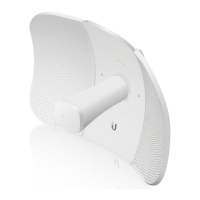
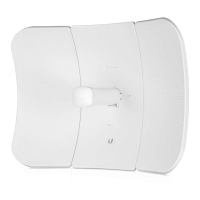
Reset Button To reset to factory defaults, press and hold the
Reset button for more than 10 seconds while the LiteAP is
powered on. Alternatively, the LiteAP may be reset remotely
via a Reset button located on the bottom of the Gigabit
PoEAdapter.
Port
Ethernet Port The Gigabit Ethernet port is used to connect
the power and should be connected to the LAN.


 To Next Page
 Loading...