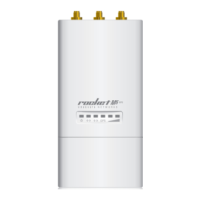
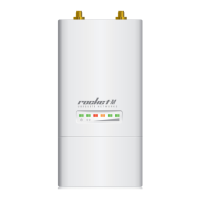
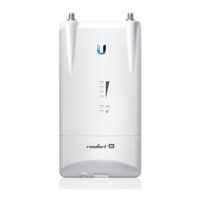
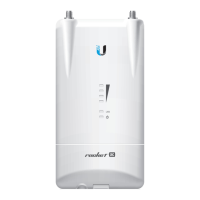
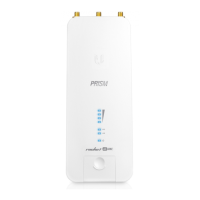
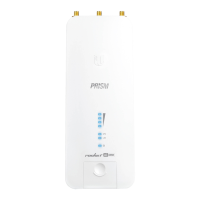
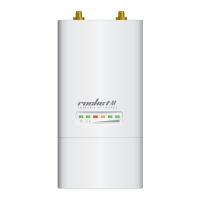
6. Attach the RF cables from the Rocket to the connectors on
the antenna.
Connecting to a Dish Antenna Connecting to a Sector Antenna
7. Attach the Protective Shroud.
Align the hash mark on the top of the
shroud with the notch on the RocketDish.
Rotate the shroud clockwise until it locks
into place.
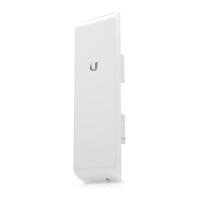
Slide the Protective Shroud down
over the Rocket until it locks into
place on the Sector Antenna.


 To Next Page
 Loading...