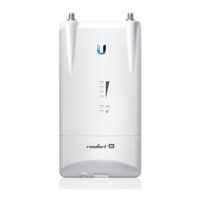
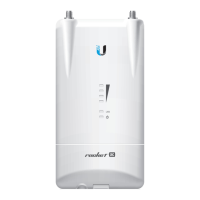
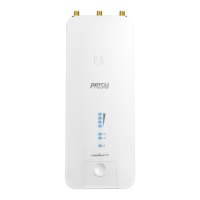
RP-SMA
Antenna Connectors
GPS
Antenna Connector
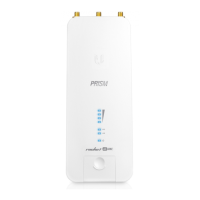
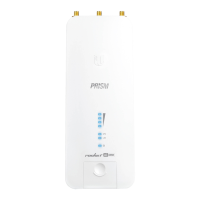
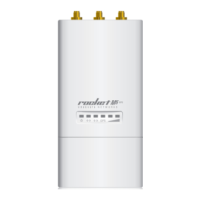
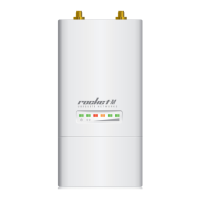
LEDs
Reset Button
LAN
Used to attach RF cables (not included).
Used to attach the GPS Antenna.
Signal
In airOS®, you can modify the wireless signal strength threshold values for each
LED on the Wireless tab under Signal LED Thresholds. Each LED will light when the
wireless signal strength is equal to or greater than the LED’s threshold value. The default
values are shown below:
GPS
The GPS LED will light steady blue when the GPS signal strength is sufficient. This
requires a minimum of three satellite connections.
LAN
The LAN LED will light steady blue when an active Ethernet connection is made to
the LAN port and ash when there is activity.
Power
The Power LED will light blue when the device is connected to a power source.
To reset to factory defaults, press and hold the Reset button for more than 10 seconds
while the device is already powered on. Alternatively, the device may be reset remotely
via a Reset button located on the bottom of the Gigabit PoE adapter.
R2AC-PRISM Quick Start Guide


 To Next Page
 Loading...