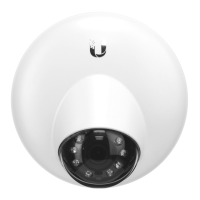
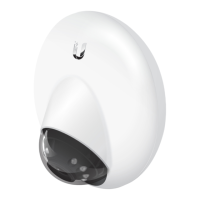
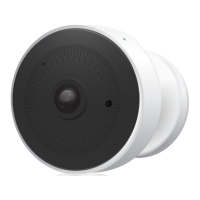
Desktop
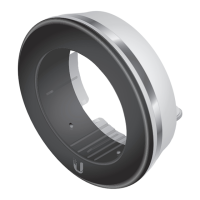
1. Remove the Base Mount from the base of the camera.
2. Insert one end of the RJ‑45 cable into the Ethernet Port and the
other end into a PoE 802.3af‑compliant switch.
3. Attach the camera to the Base Mount by lining up the
notches with the slots in the base of the camera. Press
firmly together until the camera is secure.
Note: Ensure the Ethernet cable is seated in the notch
between the Base Mount and base of the camera.



 To Next Page
 Loading...