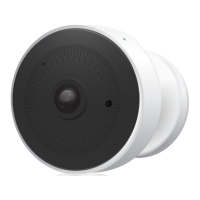
Camera UI
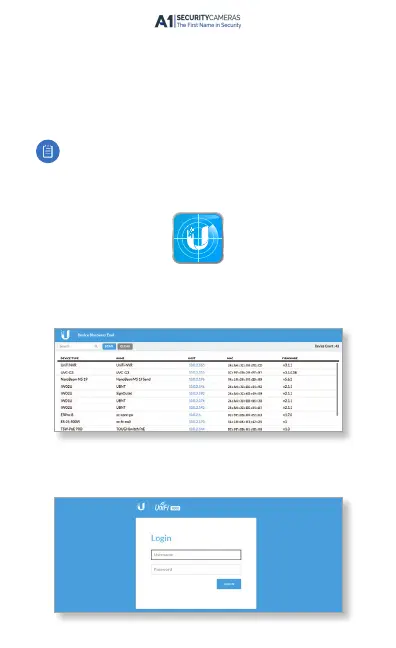
Access the camera UI using the Ubiquiti® Device Discovery
Tool. The utility is available as a stand-alone application and as
a Chrome extension (Chrome browser required). The utility is
available for download at:
www.ubnt.com/download/utilities
Note: If you know the IP address of the UVC-G3, you may
access the camera UI directly by entering the IPaddress
in a web browser, and skip to step 3.
1. Launch the Ubiquiti Device Discovery Tool.
2. A list of Ubiquiti devices on the network will appear. Locate
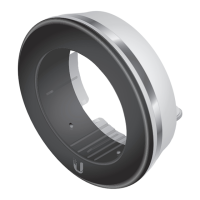
the UVC-G3 with the installed UVC-G3-LED. Click the
IPaddress of the camera in the Host column.
3. The UniFi Video Camera UI portal will appear in a new
browser window. Enter your Username and Password to
log in.
Available from A1 Security Cameras
www.a1securitycameras.com email: sales@a1securitycameras.com


 To Next Page
 Loading...