User Manual for ADIBOT-A
17 / 50 Shenzhen UBTECH Robotics Corp Ltd.
Part III Device Operations
3.1 Power on/off
3.1.1 Power-on
Steps:
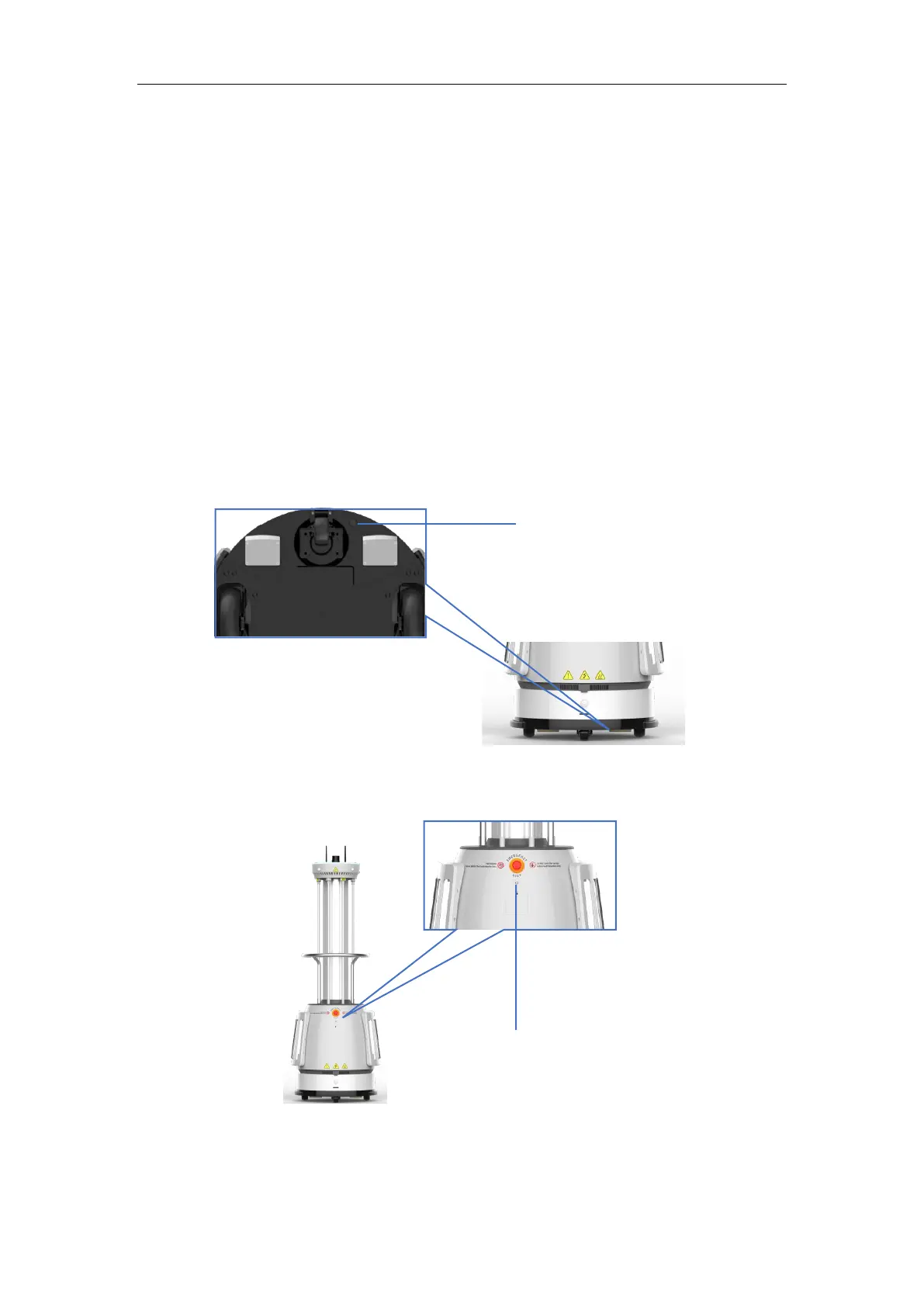
Step 1. Press the power button (Figure 3.1.1.a) on the chassis;
Step 2. Press and hold the On/Off button (Figure 3.1.1.b) on the back for 3 seconds to start the robot.
Cautions:
1. Perform step 1 only if the power button is turned off, i. e. for first time use;
2. If the power button is turned on, just go to step 2.



 To Next Page