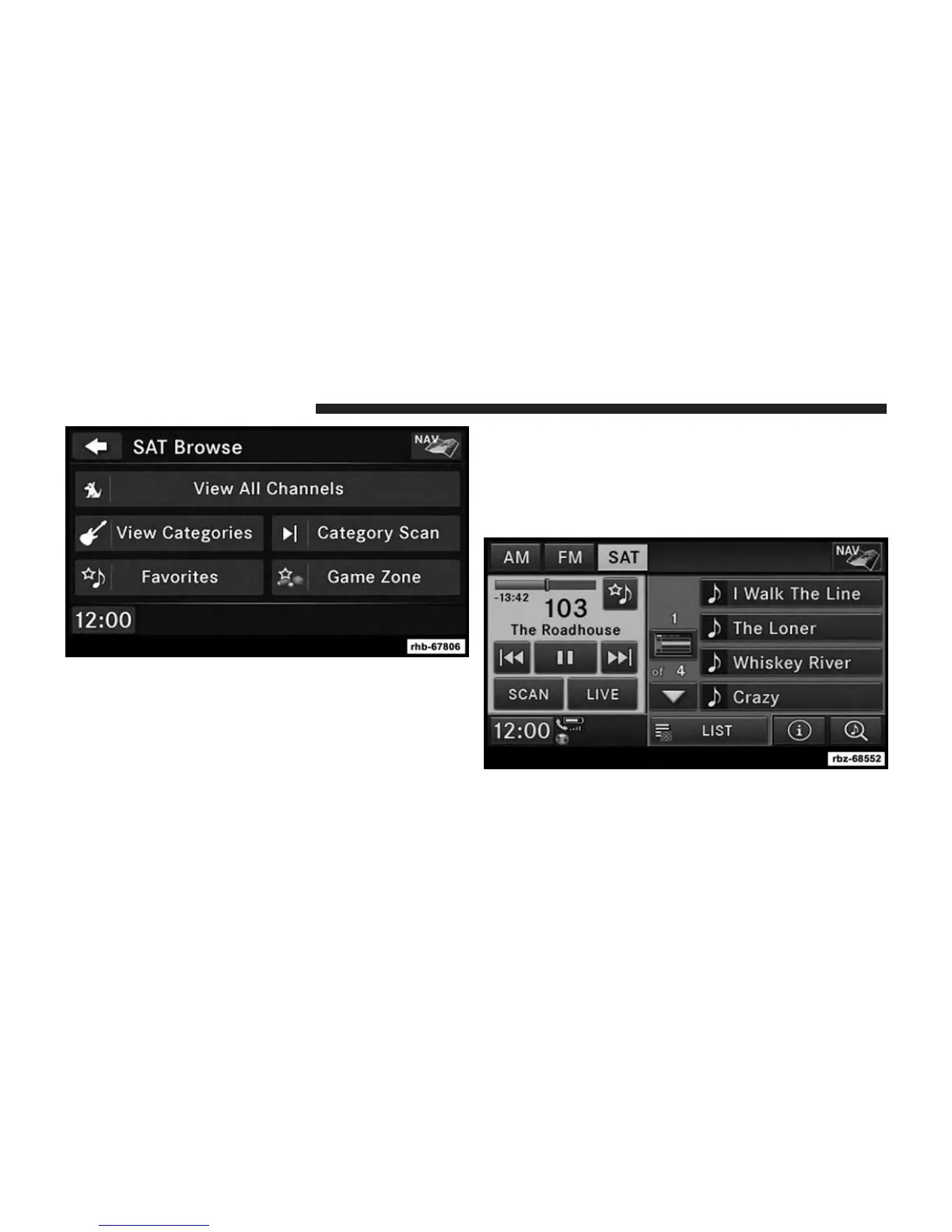
When you are in SAT mode, you can change your Song
and Game Alert settings by pressing the MENU hard-key,
then pressing the FAVORITES soft-key.
Replay Mode
While you are in SAT mode, you can replay over 30
minutes of the current SiriusXM channel (when the
channel is changed, this audio buffer is erased). Press the
REPLAY button to listen to the stored audio.
32 Uconnect® MULTIMEDIA (RADIO)



 To Next Page