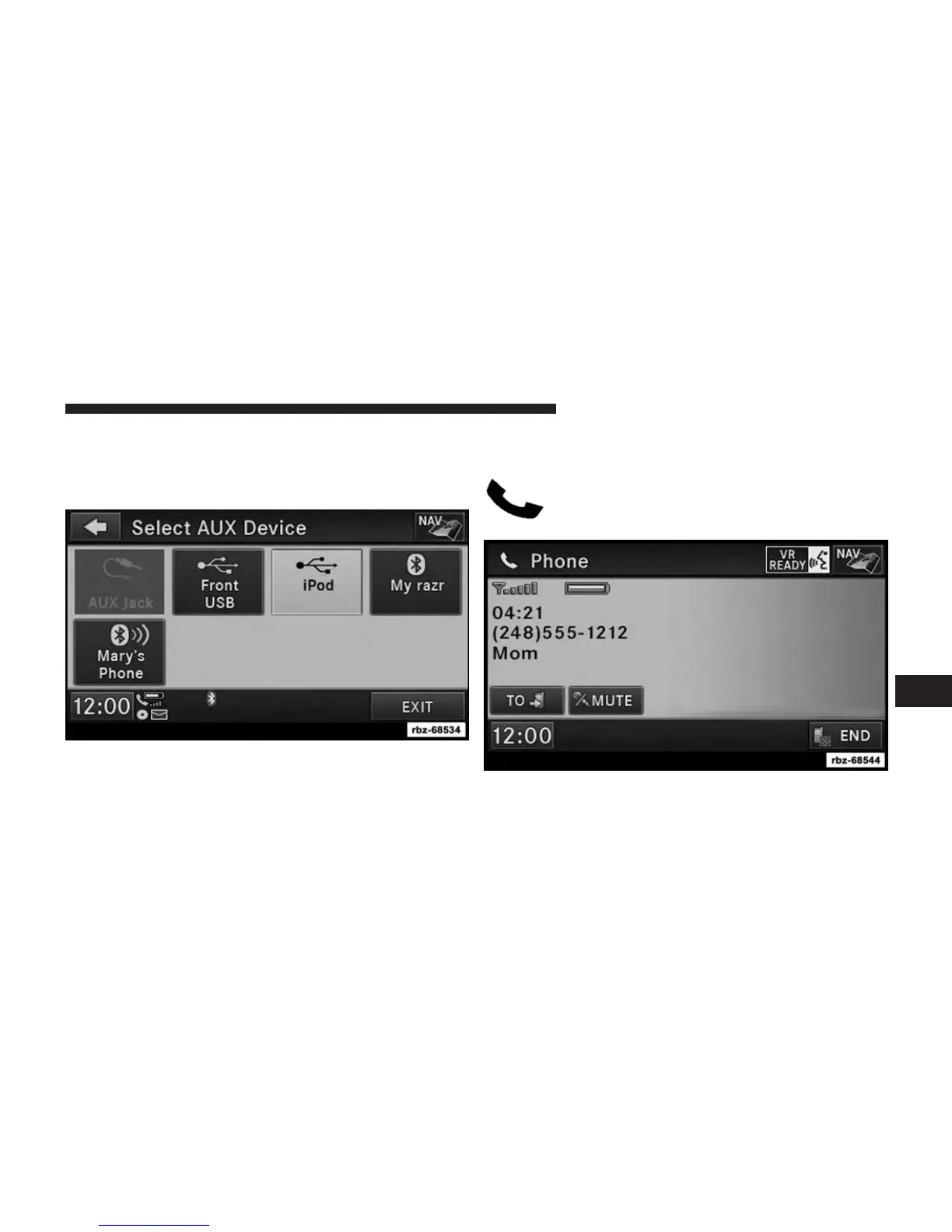
You can also select a different audio device in the Select
AUX Device screen. Touch the icon to enter the Select AUX
Device screen. The currently playing device is highlighted,
you can touch and select a different device.
Uconnect® PHONE — IF EQUIPPED
Uconnect® Phone is a voice-activated, hands-
free, in-vehicle communications system.
7
Uconnect® MULTIMEDIA (REMOTE DEVICES) 97



 To Next Page