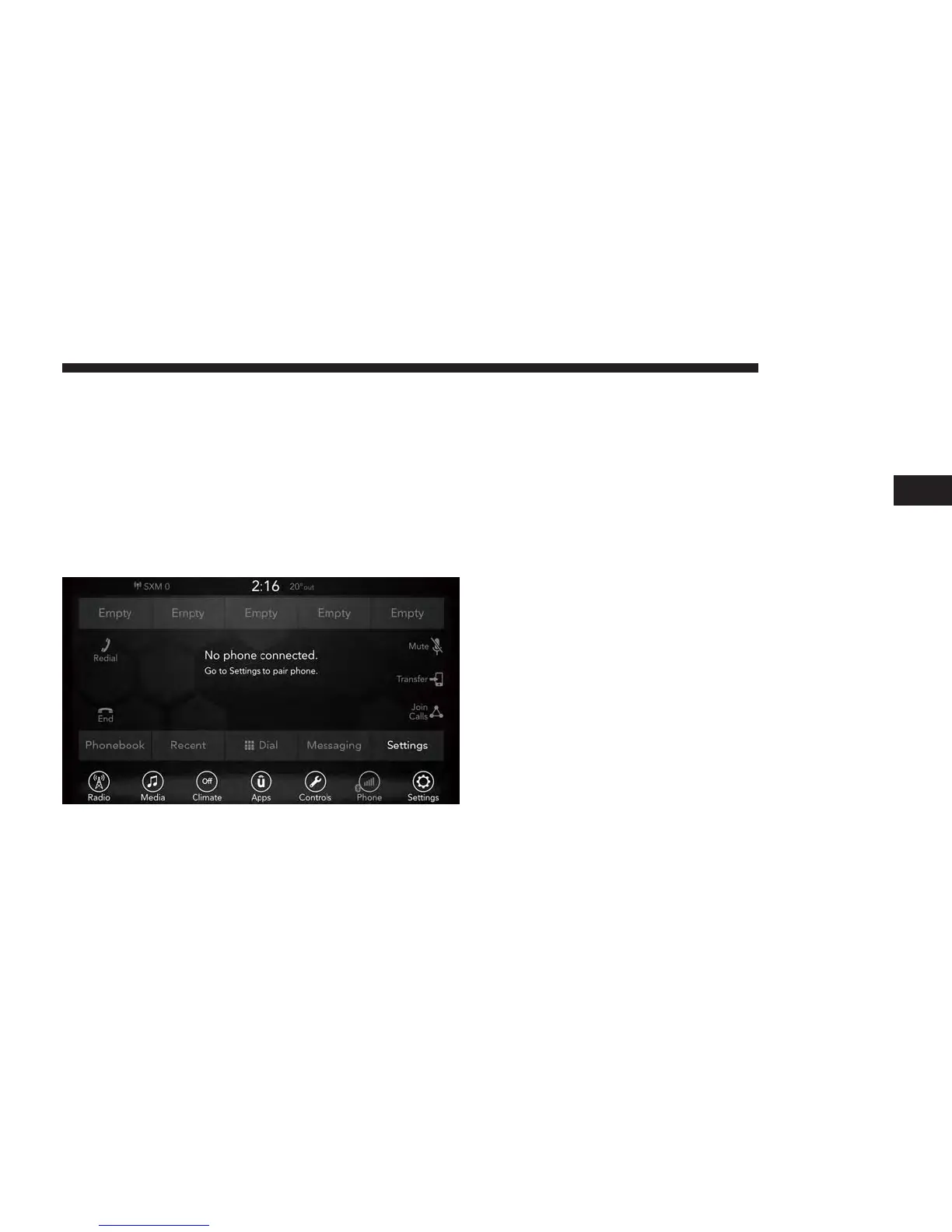
Pair (Link) Uconnect Phone To A Mobile Phone
To begin using your Uconnect Phone, you must pair your
compatible Bluetooth enabled mobile phone. Mobile phone
pairing is the process of establishing a wireless connection
between a cellular phone and the Uconnect system.
To complete the pairing process, you will need to reference
your mobile phone Owner’s Manual. Please visit
UconnectPhone.com
for complete mobile phone compat-
ibility information.
NOTE:
• You must have Bluetooth enabled on your phone to
complete this procedure.
• The vehicle must be in PARK.
1. Place the ignition in the ACC or ON position.
2. Press the “Phone” button in the Menu Bar on the
touchscreen.
• If there is no phones currently connected with the
system, a pop-up will appear asking if you would like
to pair a mobile phone.
3. Select “Yes” to begin the pairing process.
4. Search for available devices on your Bluetooth enabled
mobile phone.
• Press the Settings button on your mobile phone.
• Select Bluetooth and ensure it is enabled. Once en-
abled, the mobile phone will begin to search for
Bluetooth connections.
3
UCONNECT 7.0 33



 To Next Page