• This device may not cause harmful interference.
• This device must accept any interference received, in-
cluding interference that may cause undesired opera-
tion.
ANDROID AUTO & APPLE CARPLAY
Android Auto
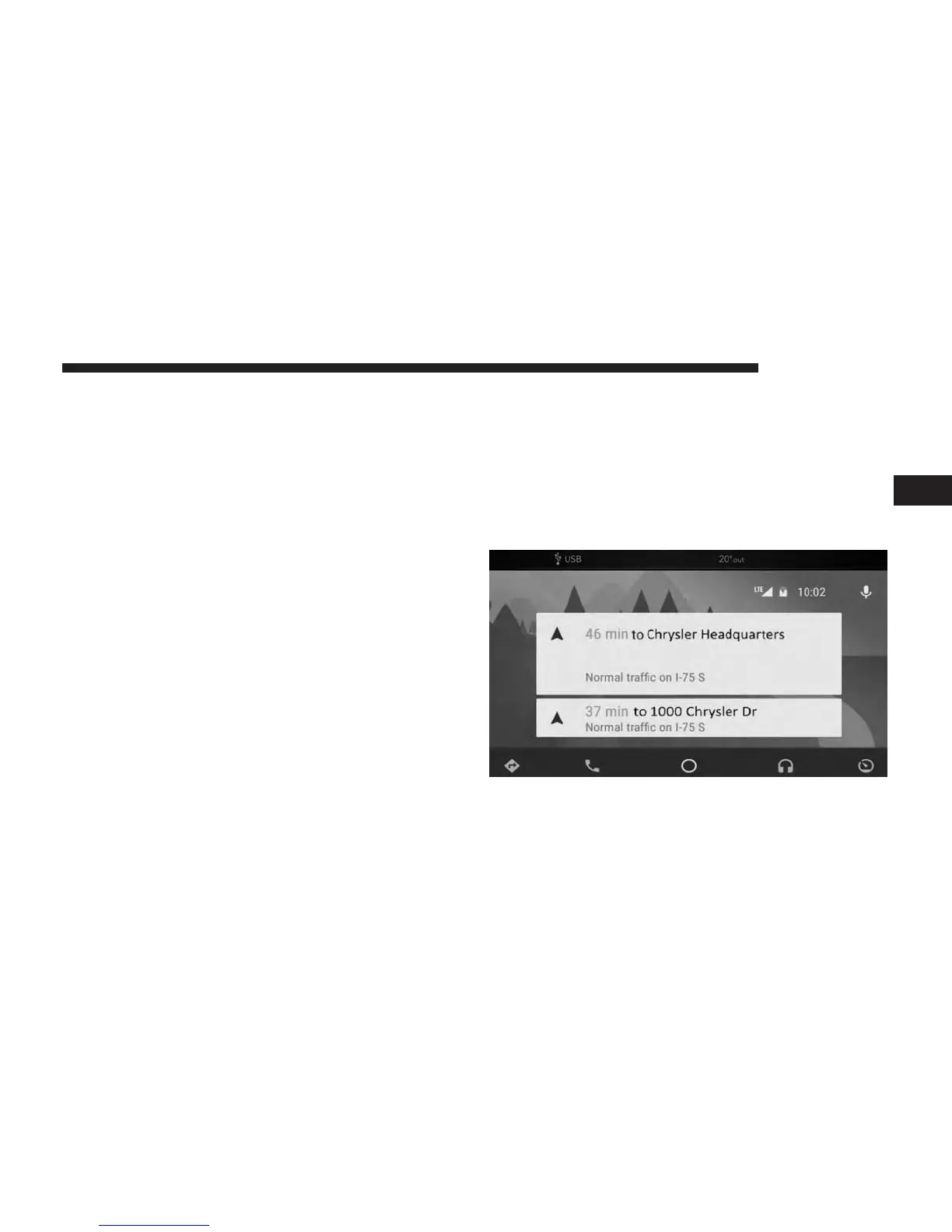
Android Auto is a feature of your Uconnect system, and
your Android 5.0 Lollipop, or higher, powered smartphone
with a data plan, that allows you to project your smart-
phone and a number of its apps onto the touchscreen radio
display. Android Auto automatically brings you useful
information, and organizes it into simple cards that appear
just when they are needed. Android Auto can be used with
Google’s best-in-class speech technology, the steering
wheel controls, the knobs and buttons on your radio
faceplate, and the radio display’s touchscreen to control
many of your apps. To use Android Auto follow the
following procedure:
1. Download the Android Auto app from the Google Play
store on your Android-powered smartphone.
2. Connect your Android powered smartphone to one of
the media USB ports in your vehicle. If the Android
Auto app was not downloaded, the first time you plug
your device in, the app will begin to download.
NOTE: Be sure to use the factory-provided USB cable that
came with your phone, as aftermarket cables may not
work.
3
UCONNECT 7.0 45



 To Next Page