Maps
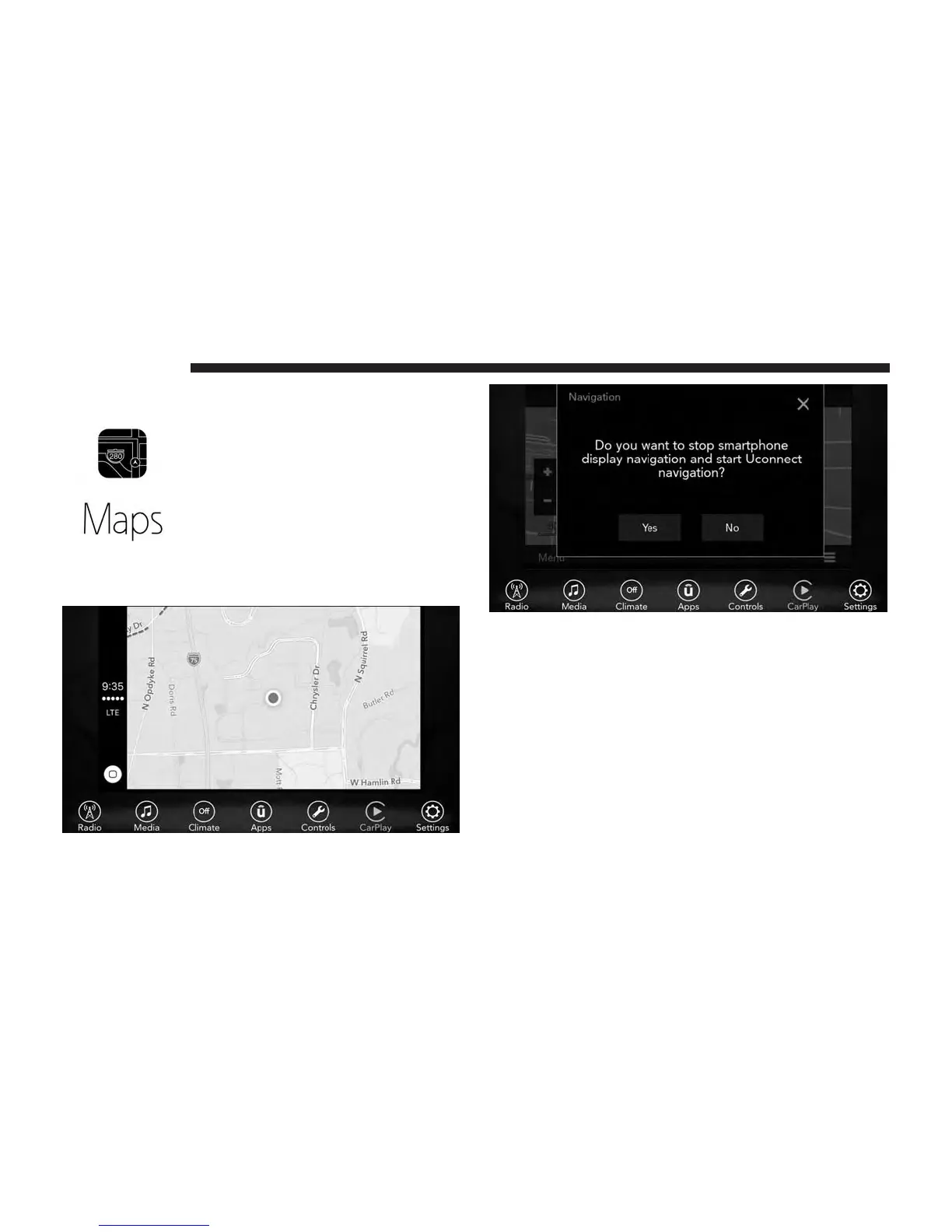
To use your Apple Maps for navigation
on your Uconnect system, launch Car-
Play, and push and hold the VR button
on the steering wheel to use Siri to set
your desired destination. Alternatively,
choose a Nearby destination by pressing
Destinations and selecting a category, by
launching Siri from the destinations page, or even by
typing in a destination.
Apps
To use a compatible app with CarPlay, you must have the
compatible app downloaded, and you must be signed in to
the app. Refer to
http://www.apple.com/ios/carplay/
to see the latest list of available apps for CarPlay.
52 UCONNECT 7.0



 To Next Page