Mac program path: Application→UgeePenTablet→ugeeTablet
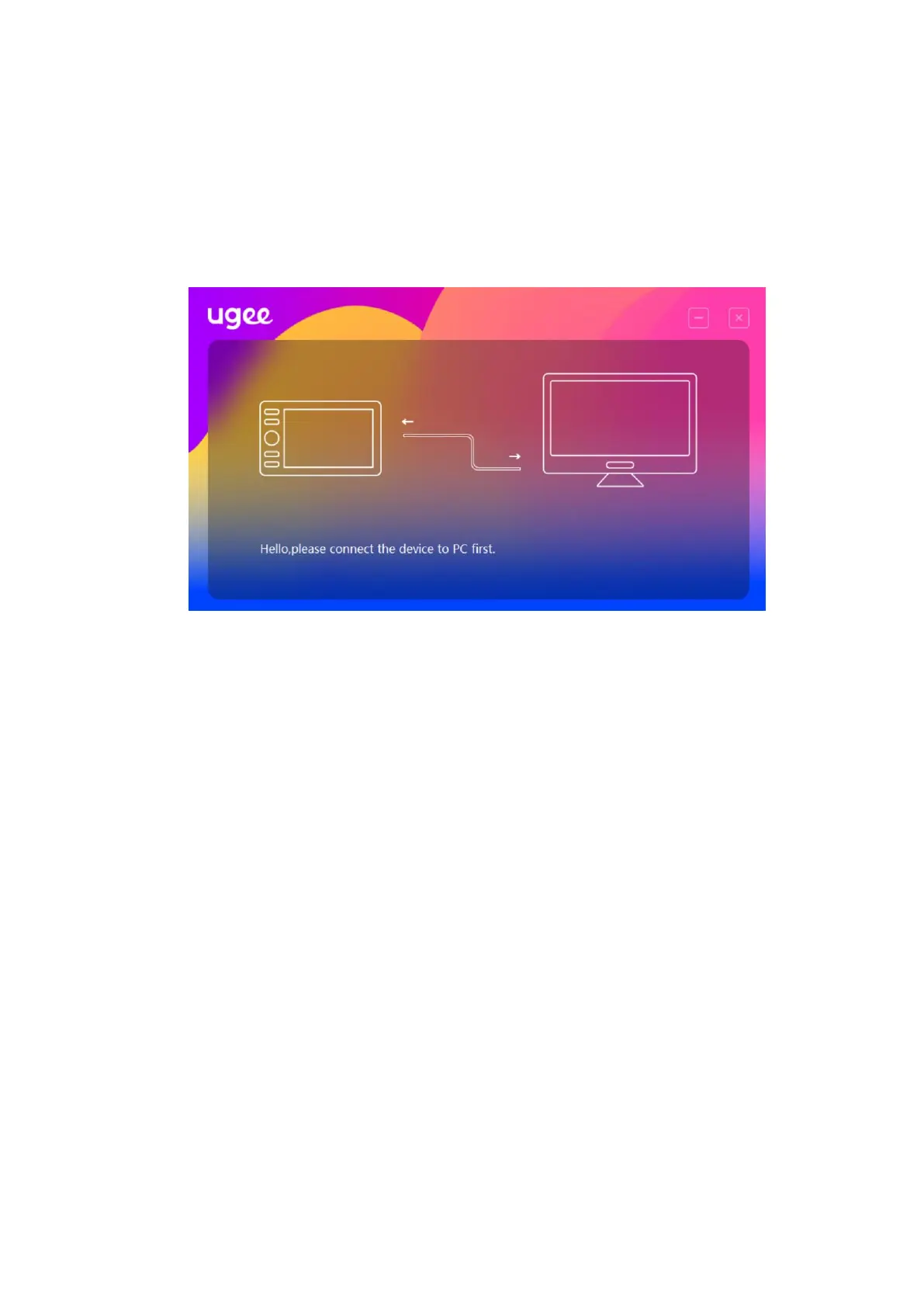
If the device is not connected or the connection fails, you will see the
following prompt. In this case, restart your computer or the driver to
connect it again or contact our service staff for support.
If the device is connected successfully, its product model will be
displayed on the bottom right corner of the display, for example, M708
as shown in the image.
You can connect up to three devices via the driver at the same time.
Click on drop-down menu to select device to activate. Customize the
device's settings after switching to that device. All changes made will
only apply to that device.



 To Next Page