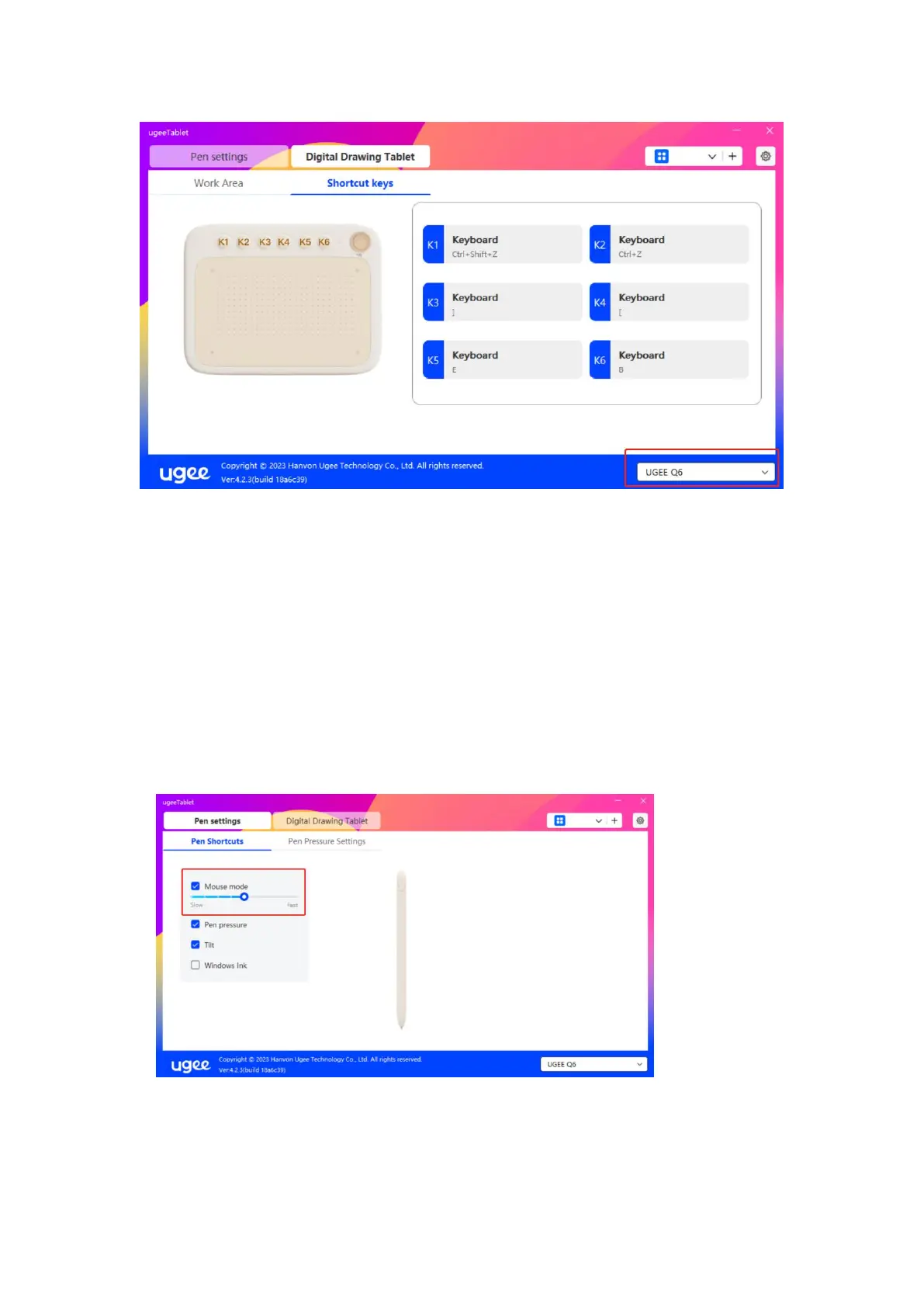
2.3.2 Pen Settings
2.3.2.1 Pen Shortcut Key
Mouse mode:
When you remove your pen, the cursor will stay where you left, which
is like operating a mouse. Select the mode and you can adjust the speed
of the cursor on your device. If you do not select the mode, the pen
mode applies by default.
Windows Ink (for Windows only):
Windows supports handwriting function. If you need to use this function



 To Next Page