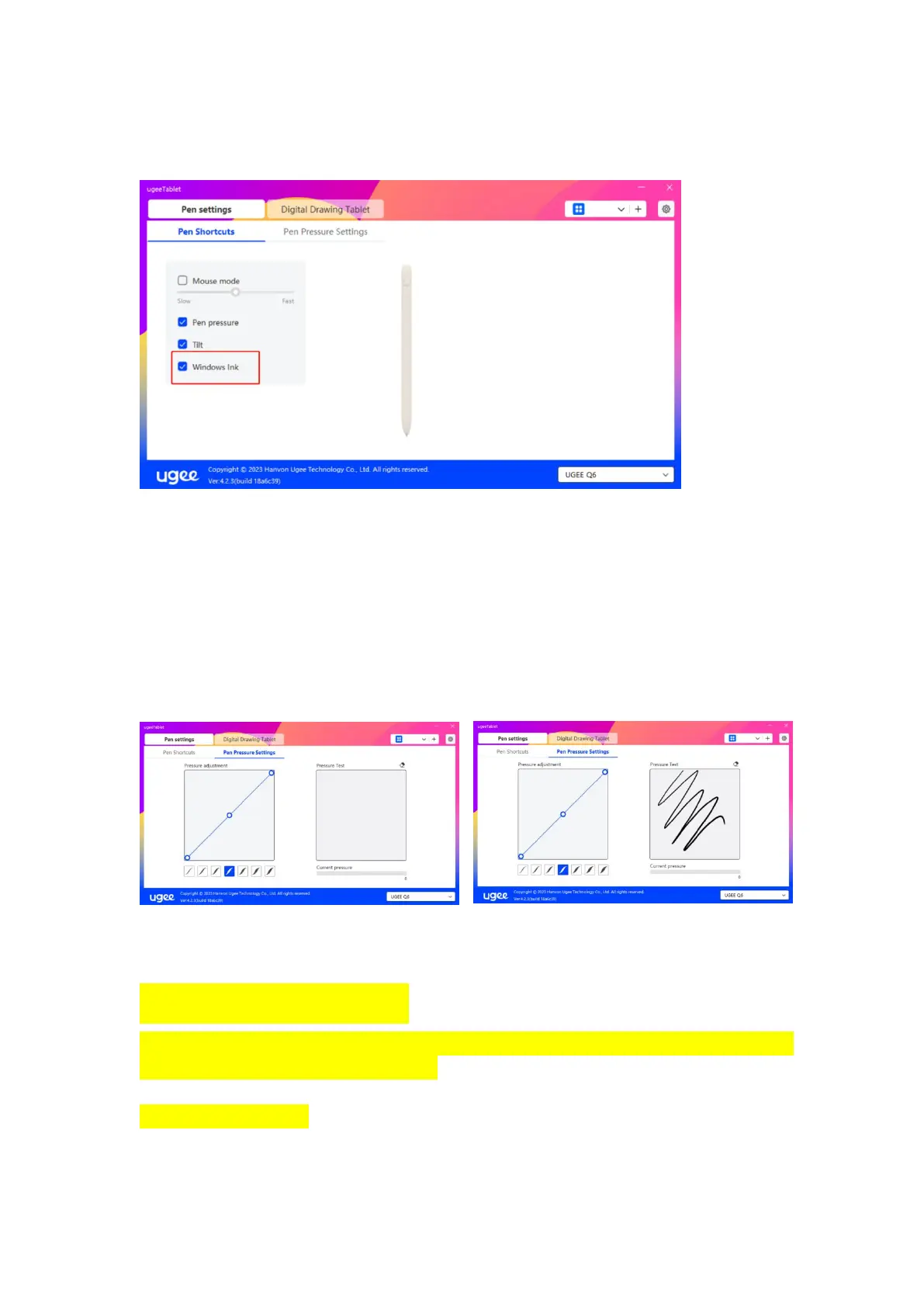
in Microsoft Office/Whiteboard or other software, please do not turn it
off.
2.3.2.2 Pen Pressure Settings
The sensitivity of the pressure sensor can be adjusted by manually
adjusting the curve or moving the Progress bar, and the synchronization
can be experienced in the pressure sensor test area on the right to adjust
to the appropriate pressure sensor output.
Set the pressure sensing area, as shown in Figure 1.
Test the pressure sensing area, as shown in Figure 2.
Figure 1 Figure 2
2.3.3 Digital Drawing Tablet Setting
2.3.3.1 Work Area Settings
The working area can help you define the mapping relationship between the
equipment and the screen display
2.3.3.1.1 Screen



 To Next Page