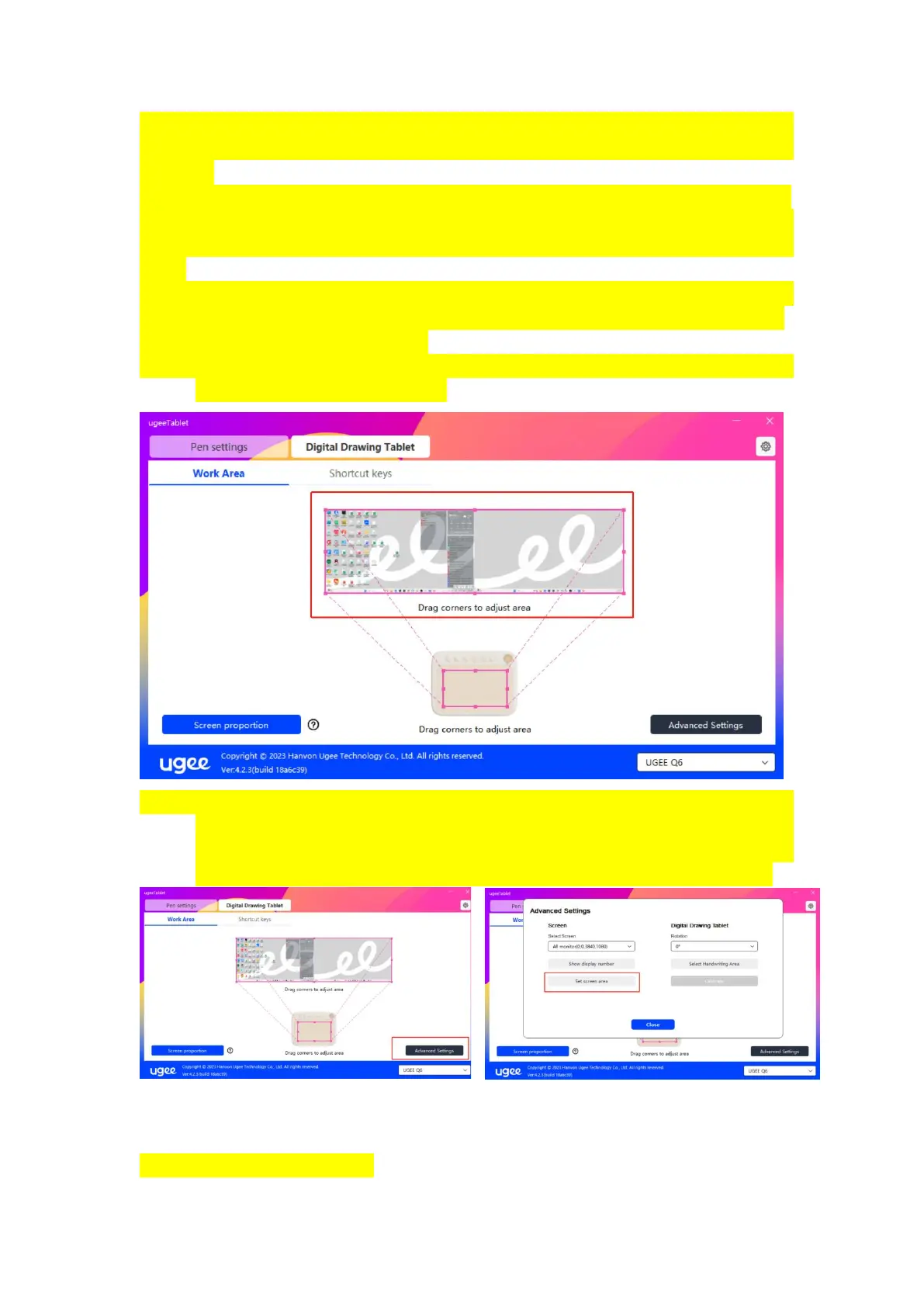
Select the Work Area to set the correspondence between the movement of
the stylus on the drawing tablet and the cursor's movement on the monitor
screen.
If you are using multiple monitors with the setting of copy mode, the
working area of device will be mapped to all the display. When the pen
moves on the device, the cursor on all the monitors will move at the same
time.
If you are using multiple monitors with the setting of extension mode,
select which monitor is mapped on the screen to select the working area.
Monitor mapping area settings:
1、 Drag corners: moves the cursor to the middle or edge of the four
sides, then click and drag.
2、 Select screen area: click "Advanced Settings", and then select "Set
Screen Area". According to the prompt at the bottom of the computer
monitor, click the "upper left corner" position and the "Lower right
corner "position, then select the screen mapping monitor area.
2.3.3.1.2 Drawing Tablet



 To Next Page