area. Otherwise, there may be interference errors in painting handwriting
recognition.
6. Mobile phone/tablet cannot be used horizontally
When using a mobile tablet, please lock the automatic rotation function, and then
rotate both the phone and tablet at the same time to avoid misdirection of the cursor.
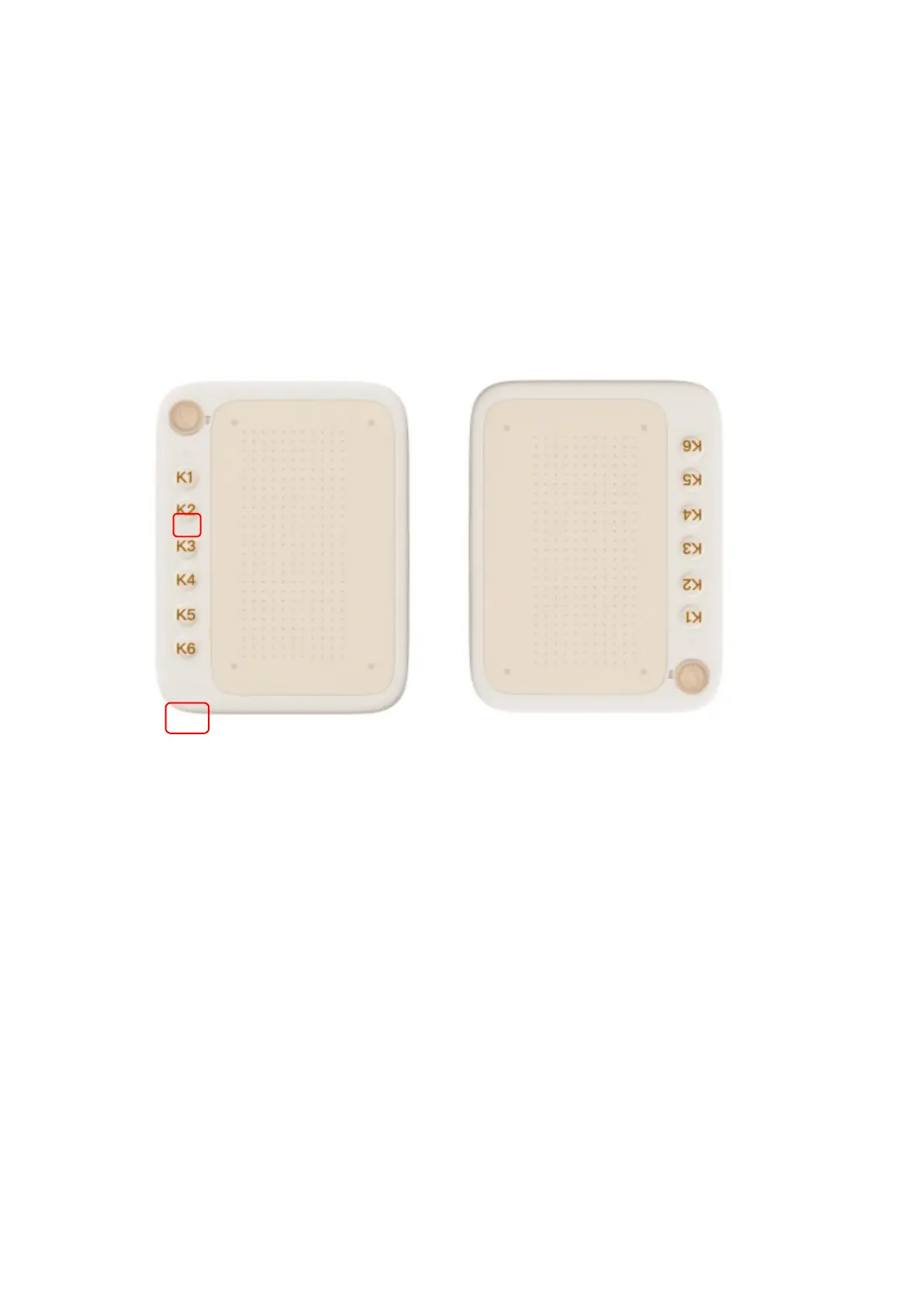
7. How to switch to left handed mode when connecting phone?
Long press the shortcut key at the bottom (K6 ) for 5 seconds, and the white
handwriting indicator light will double flash to indicate successful switching. If
you need to switch back, long press the K6 shortcut key again for 5 seconds.
If you need any further assistance, please contact us at:
Website: www.ugee.com
Email: service@ugee.com



 To Previous Page