1
Contents
I Notice of Use
1 Preface
2 Notice
II Product Introduction
1 Package Contents
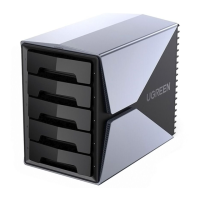
2 Product Overview
3 LED Indicator
4 Specifications
III Installation Steps
1 Take Out The Tray
2 Hard Drive Installation
2.1 3.5-inch Hard Drive
2.2 2.5-inch Hard Drive
3 Put Drive Tray Back Into the Enclosure
4 Plug the Device Into Power Outlet
IV RAID Mode Setting and Connection
1 RAID Modes & DIP Switch
2 Switch RAID Modes
3 Drive Partitioning and Formatting
4 Replace the Broken Drive
V Notes
02
02
02
03
04
04
05
05
05
06
06
07
07
08
08
10
EN


 To Next Page