2 - Start button
3 - Handle
4 - Safety switch
5 - Start button
6 - Water tank lever
7 - Fluid adjustment knob
8 - Water tank
9 - Engine
10 - Wheel
11 - Brush
12 - Holder pad
3.2. Preparation for operation
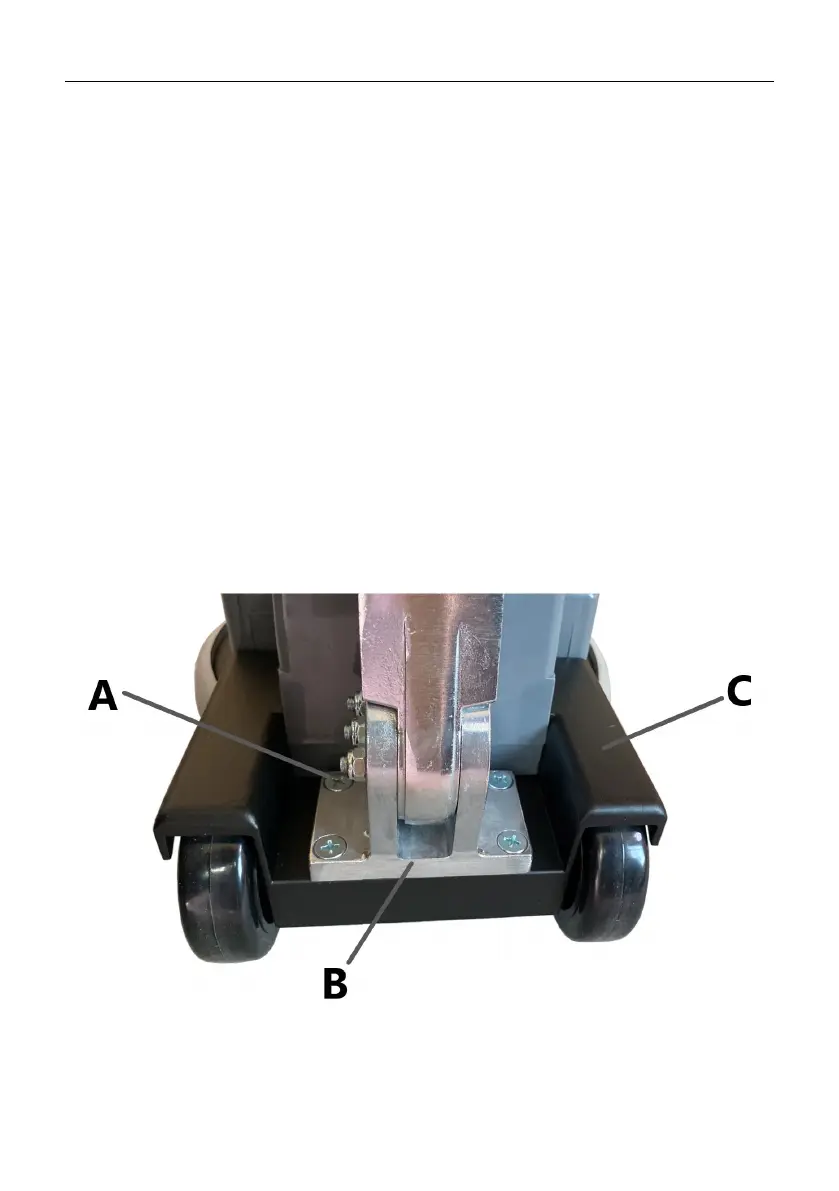
1) Installation of the control lever
Place the base of the control handle on the back of the device body. Align the screw
holes of both parts. Screw the used parts together with the countersunk head screws.
A - Countersunk cross-head screws
B - Base of the control handle
C - The body of the device



 To Next Page