Page 34 Ulthera, Inc
Remove the transducer indicated from its protective pouch. To connect the
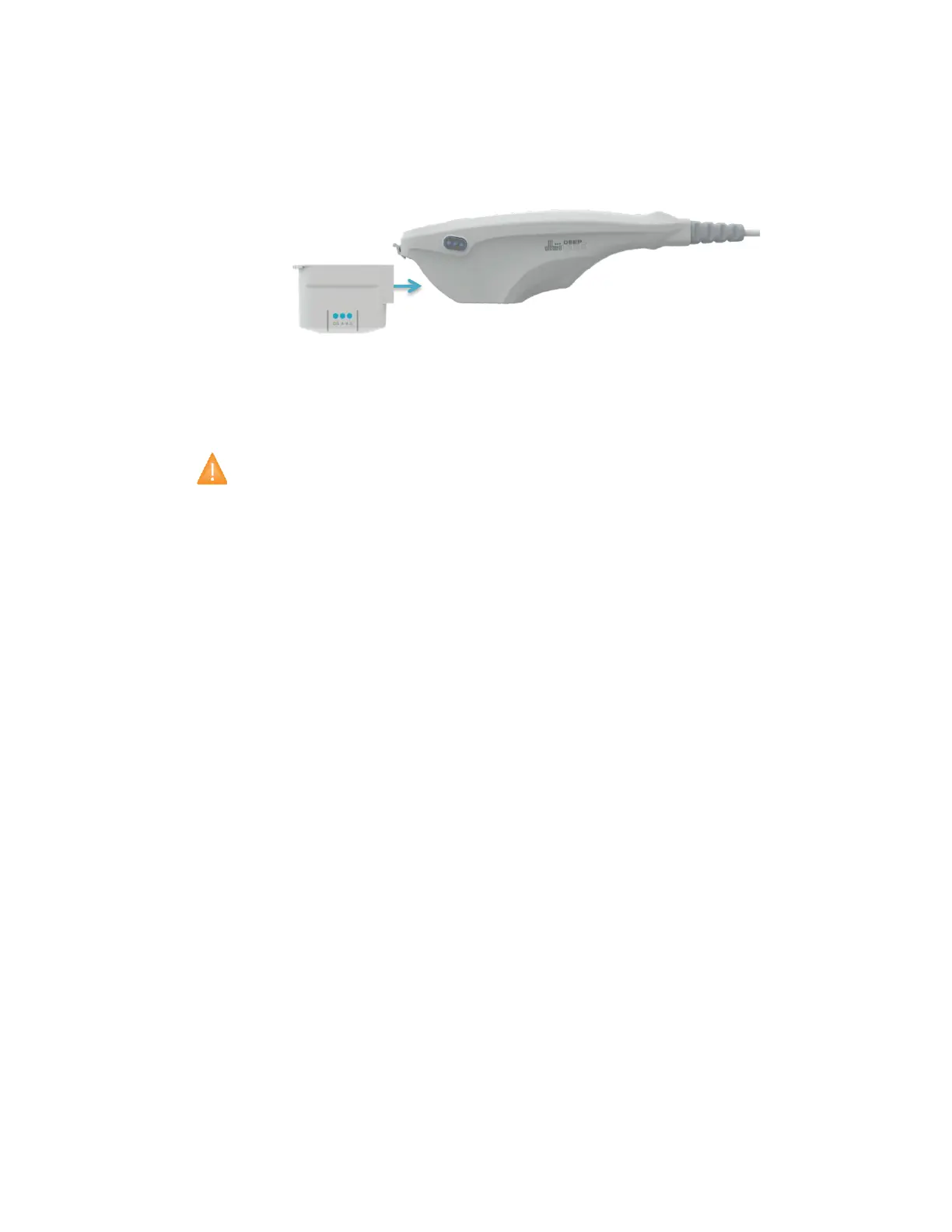
transducer, slide the transducer into the handpiece as shown in Figure 5.2.
When the transducer is fully seated you will hear a tone indicating that it has
been correctly inserted.
Figure 5.2 Connecting a Transducer
To disconnect the transducer, lift the latch at the tip of the handpiece and
slide the transducer straight out of the handpiece.
Caution: Do not apply force/displacement to latching cantilever
without a transducers installed in the handpiece.
When the transducer is inserted, the control unit automatically detects it and
updates the graphical user interface.
5.4.3. Connecting Accessories
The Ulthera System Access Key should be inserted into one of the available
USB ports; otherwise, the message “No Key” will appear and the software will
not allow user access.



 To Next Page