7/20/2017 BOOM 2 | DOUBLE UP | How-To Guide
http://www.ultimateears.com/ueboom2-guide/en-us/double-up 1/2
BOOM 2 | DOUBLE UP
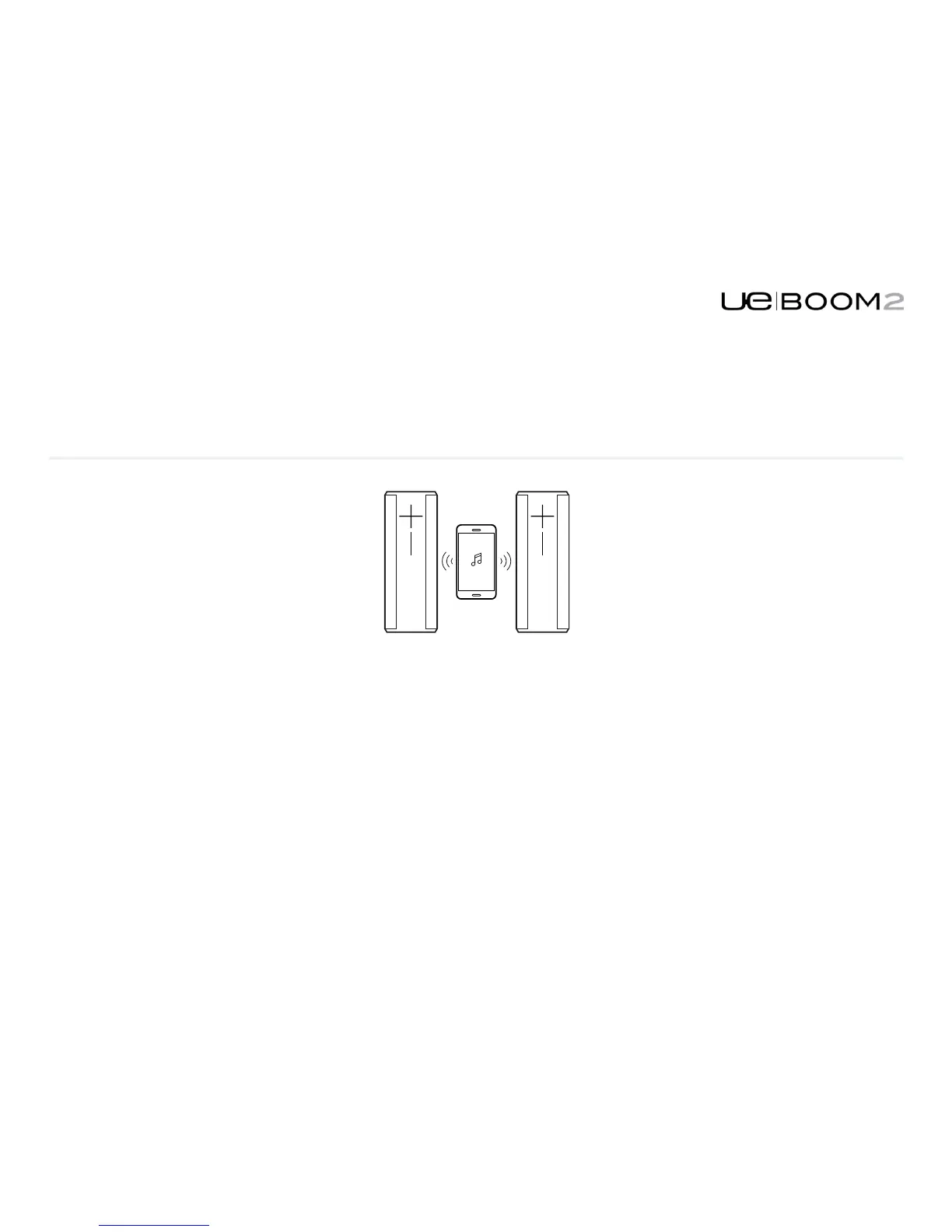
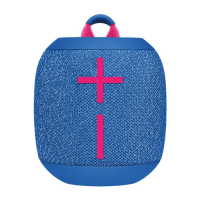
Connect two UE BOOM 2s together for bigger sound.
Use the Double Up option on the home page of this app and follow the on-screen instruction.
You can also Double Up the UE BOOM 2 with a UE MEGABOOM, Shop Nowor UE BOOM that has been
updated with the latest firmware. Use the Double Up option on the home page of this app and follow the on-
screen instructions.
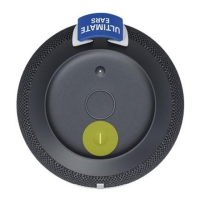
Or to Double Up without the app, simultaneously press the Bluetooth and + buttons on the speaker that is playing
music. Then press the Bluetooth button twice on the speaker that you want to add.
BOOM 2 | GETTING STARTED BOOM 2 | DOUBLE UP


 To Next Page