EasyManua.ls Logo

Ultimate Ears BOOM 2 - Getting Started; Bluetooth and Power Basics; Battery Check and Materials; Physical Ports Overview

Ultimate Ears BOOM 2
11 pages
Print Icon
To Next Page IconTo Next Page
To Previous Page IconTo Previous Page
Loading...
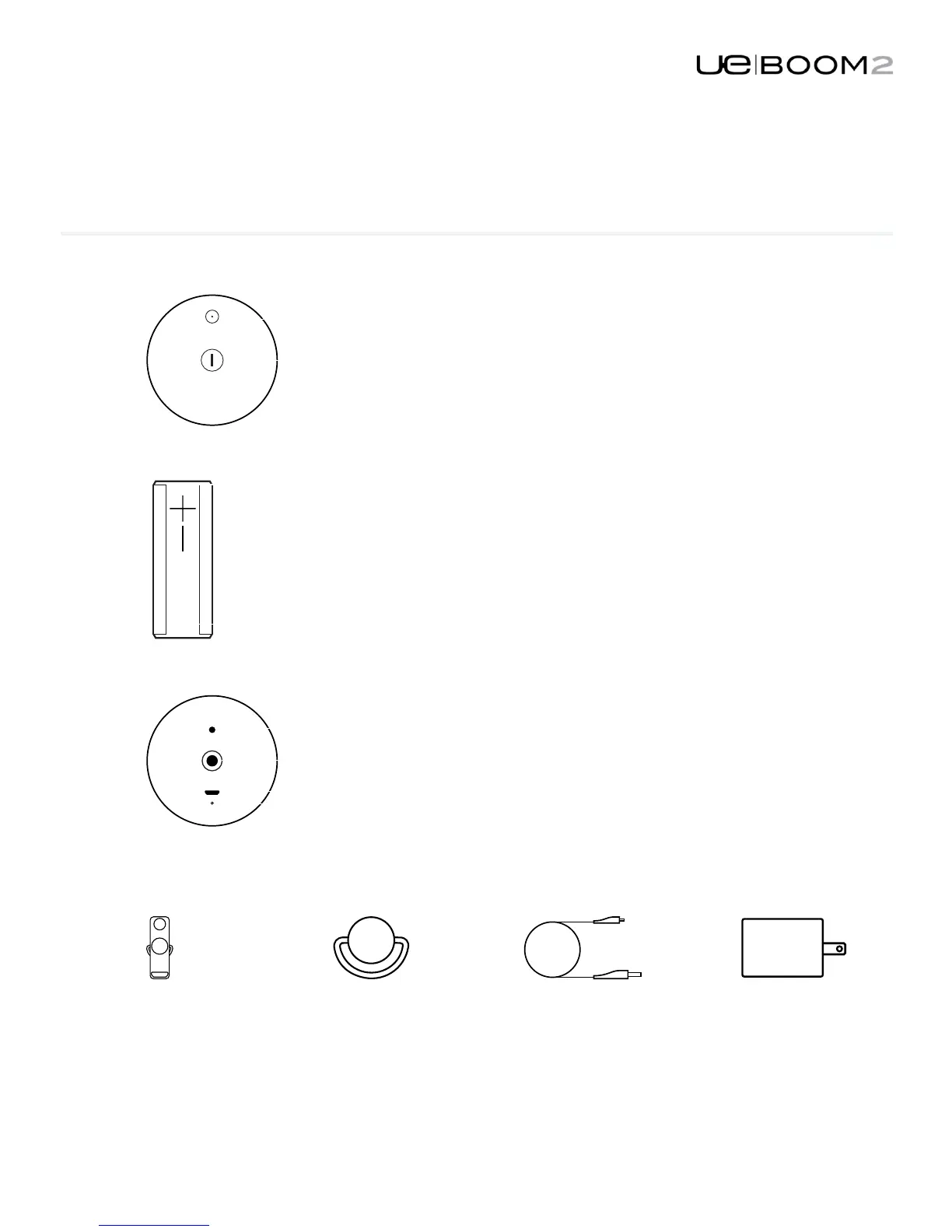
WEATHERDOOR
Integratedweatherdoor
protectsthe3.5mmaux
inportandMicroUSB
port.
D–RING
RemovableDRing
revealsstandardtripod
mountinsert.
MICRO–USB
RechargeUEBOOM2
viatheMicroUSBport.
POWER
Usetheincludedpower
supplyandUSBcable
forquickestrecharge.
GETTINGSTARTED
GETTINGSTARTED
Bluetooth
PowerON/OFF
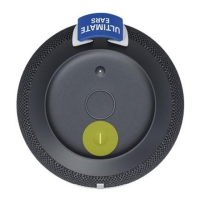
Checkbatterychargelevelbypressingthe+
andvolumebuttonssimultaneously.
UEBOOM2ismadewithlifeproofand
waterproofmaterials.Towash,usewarm
soapywater.
3.5mmauxinport
Tripodmountinsert
MicroUSBport
ChargeLED

Related product manuals