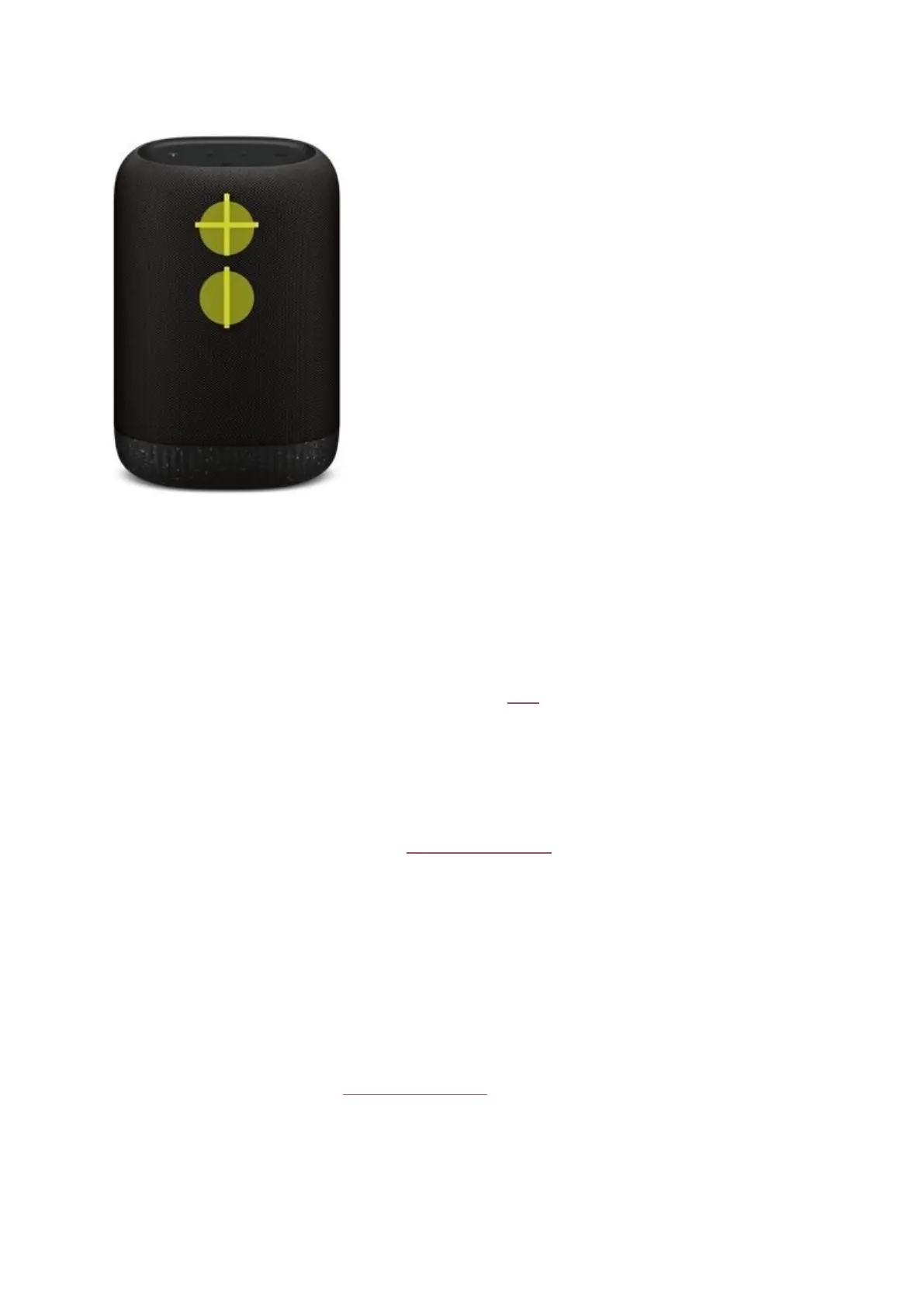
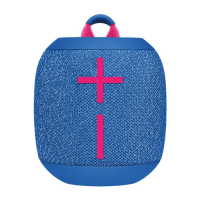
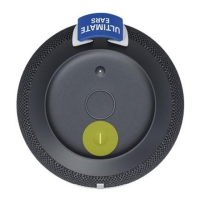
Simultaneously press the “+” / “–” buons to check baery level.
Connect to more devices
Your UE speaker will remember the last eight devices it connected with.
Pairing addional devices
Aer you pair the rst device, here’s how to pair addional devices:
1. Turn the speaker on.
2. Hold down the Bluetooth buon unl you hear a tone.
NOTE: The Bluetooth connecon buon will blink rapidly, indicang that the speaker is ready
for pairing.
3. On your device, go to the Bluetooth menu and scan for devices.
4. Select the name of your speaker from the list of devices.
Once paired and connected, you’ll hear an audible conrmaon from the speaker. Your speaker is
now ready to use with the device you added.
Reconnecng to a device
To reconnect a device to your Ulmate Ears speaker aer the inial pairing or aer pairing another
device:
1. Turn the speaker on.
2. On your device, go to the Bluetooth menu and select the name of your speaker from the list
of devices.
Once reconnected, you’ll hear an audible conrmaon from the speaker. Your speaker is now ready
to use with the device you selected.
How to Use the Ulmate Ears BOOM App


 To Next Page