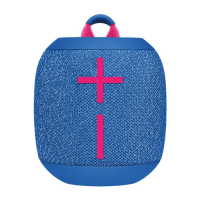
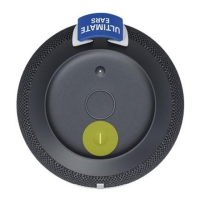
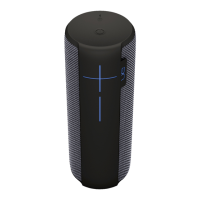
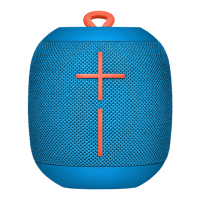
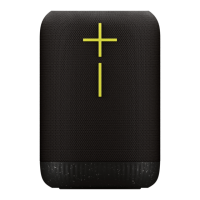
Connect two WONDERBOOMs together for bigger sound. Long press the ULTIMATE EARS
button on both speakers at the same time until you hear the pairing tone. Once pairing succeeds,
you will hear another tone and music playing on both speakers!
MULTI-HOST
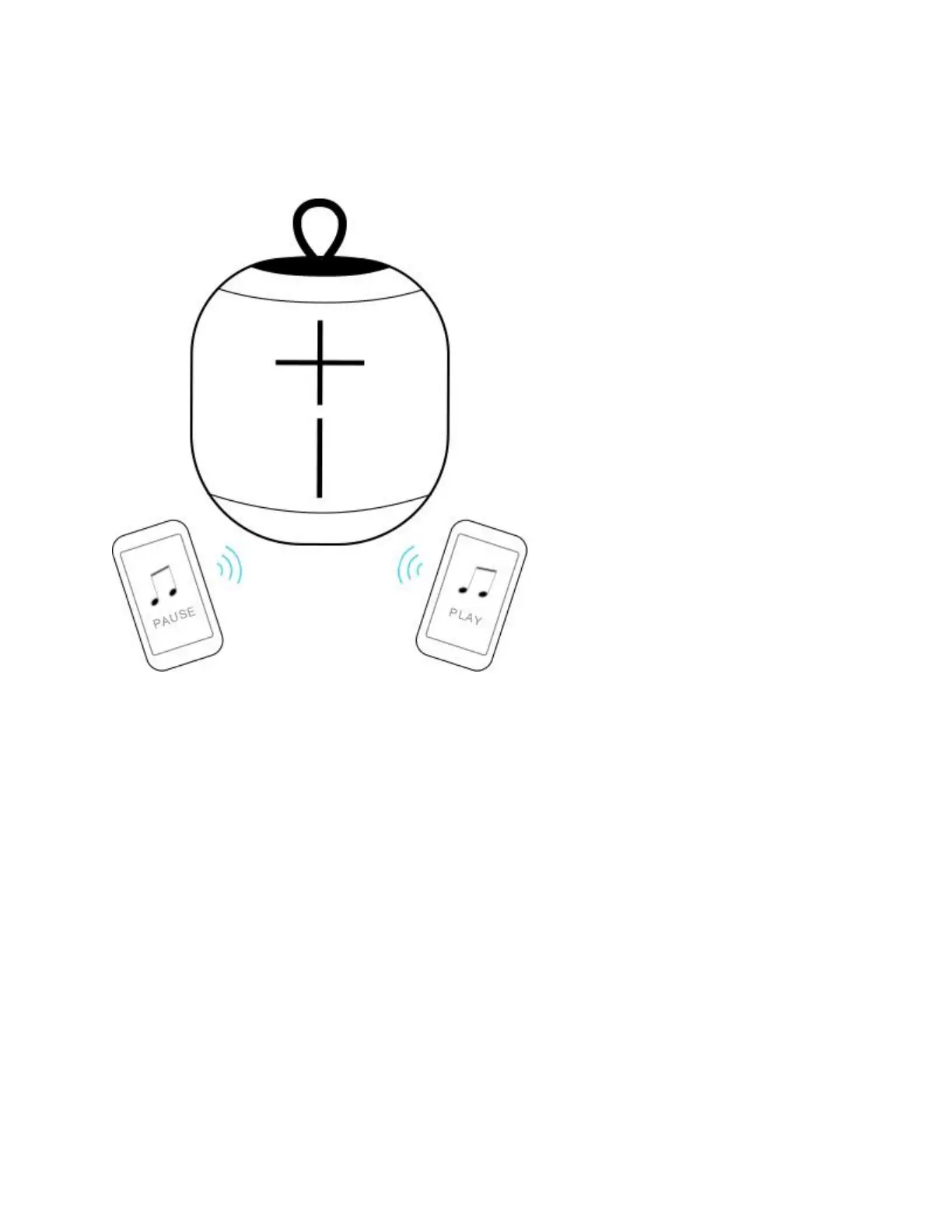
WONDERBOOM can simultaneously connect with up to two Bluetooth mobile devices. Simply
pair and connect each mobile device to WONDERBOOM, then you can take turns playing music
from each device.



 To Next Page