After selecting the crossover function, adjust the low pass or high pass
frequency control with a small screwdriver through the opening marked
“LP/FREQ.” or "HP/FREQ.". Turn CW to set to a higher frequency,
CCW to set to a lower frequency.
7
POWER
PROTECT
BASS-BOOS
ON OFF
T
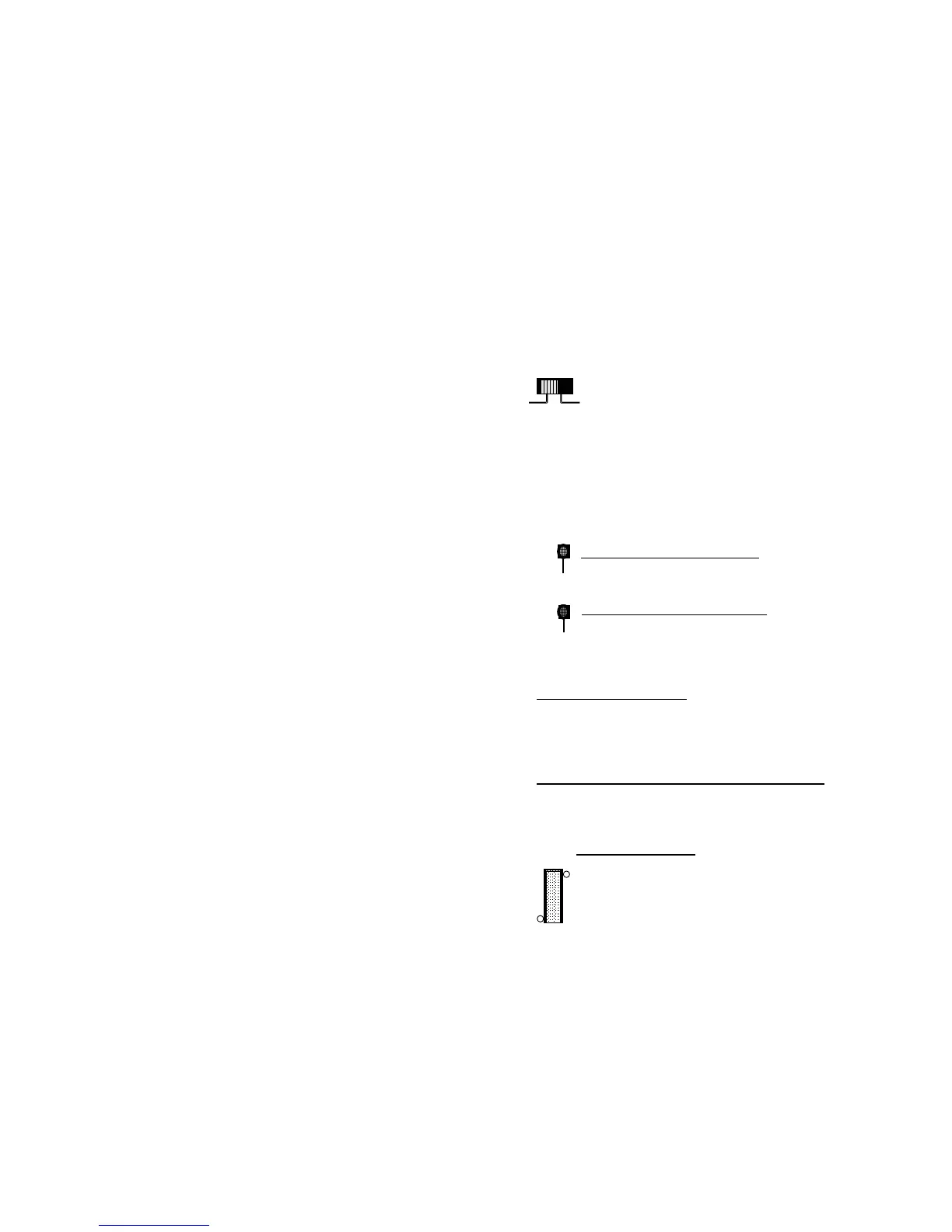
Turning the “BASS BOOST” switch to “ON” increases the
level of frequencies around 45Hz by 12dB.
2.3 Operation- Protection Circuits and
L.E.D. Indicators
“POWER.” L.E.D. INDICATOR- Provides a visual indication
that the amplifier is turned on.
“PROTECT” L.E.D. INDICATOR-
Provides a visual indication
that a problem exists and the protection circuitry has protected the
amplifier by shutting it down. Turn the system off and correct
the problem before turning the system on.
THERMAL PROTECTION-
The amplifier will shut down if its
temperature exceeds a safe operating level. The amplifier will remain off
until it cools to a safe operating temperature. Exercise care, the exterior of
the amplifier may get uncomfortably hot to the touch before shutting down.
OVERLOAD AND SHORT CIRCUIT PROTECTION-
The amplifier
will shut down if a short circuit condition exists, or if electrical current
demands exceed safe levels.
FUSE PROTECTION-
A blown fuse indicates a problem that
should be corrected before the fuse is replaced. Always replace
with the same value fuse. Never substitute a larger value fuse.
FUSE
15 A
15A



 To Next Page