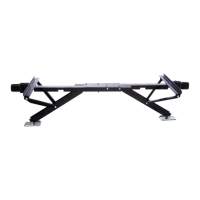
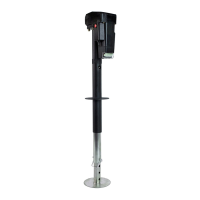
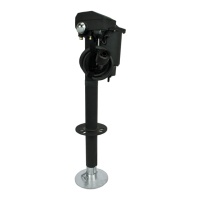
ULTRAQUICKSUPPORT1628
19‐960001
USPATENTNo.8,356,797
ThankyouforpurchasingtheUltra‐FabQuickSupport(PN19‐960001).Itwasawisepurchase,andweare
sureitwillprovideyouwithmanyyearsofservice.
HowtoUse
TheslideoutQuickSupportisveryeasytouse!
PlacetheQuickSupportundertheslide‐out,withonehand,pressthewhitebuttonandwiththeotherliftthe
channelsupportuptotheslide‐outframe‐makingsurethatthechannelsupportst raddlestheframemember.
Turnthehandleclockwiseuntilsnug.Oncesnuggiveitanadditionalturn.Thegoalistosupportnotlift.
The removal of the Quick Support is just as easy!Turn the handle counter‐clockwise, (lowers the channel
support) lowerit enough thatyou canget thestabilizer outfrom under the slide out. Tocollapse the Quick
Support,holdthechannelsupportwhilepushingthewhitebuttonandlower.Itisnowreadyforstorage.
ILLUS.# PART# DESCRIPTION QTY
REQ
1 19‐001065 TUBE‐MAINASSEMBLYSMALL 1
2 19‐001064 JACKSCREWASSEMBLYSMALL 1
3 19‐001070 HANDLE‐NUTASSEMBLY 1

 Need help?
 General

 To Next Page