www.ultraoptics.com page 10
Important Note: If button reads “INDEX NOT HOME”, the spindles will rotate to the
home index position by selecting the HOME INDEX button.
HOME INDEX – Selecting this button will return the spindles to the home position
REMOVE LAMP – Selecting this button will bring up the Lamp Removal Screen
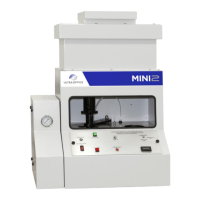
90 – Selecting this numeric button will allow changing the set amount of time (in seconds) when
the spindle will rotate and drop to cover the coating bowl.
COVER COATING CYCLE TIMER IN SECONDS – Selecting this button will activate after the
machine has finished the warm up cycle, or will activate once the machine has set idle for
the preset amount of time (in seconds) while in the Main Menu, or after all lenses have
been removed while in any production screen. To ensure proper operation, all doors must
be closed and all alarms must be cleared. In addition, you must be in the Main Menu
Screen or a Production Cycle screen to allow spindles to move for this function. Failure to
do so could result in the coating hardening within the bowl and reservoir. Selecting this
option will bring you to the cover coating cycle time adjustment screen.
COVER COATING CYCLE RESUME – Selecting the RESUME button will return the machine
and spindles to a running position after the cover timeout has been initiated.
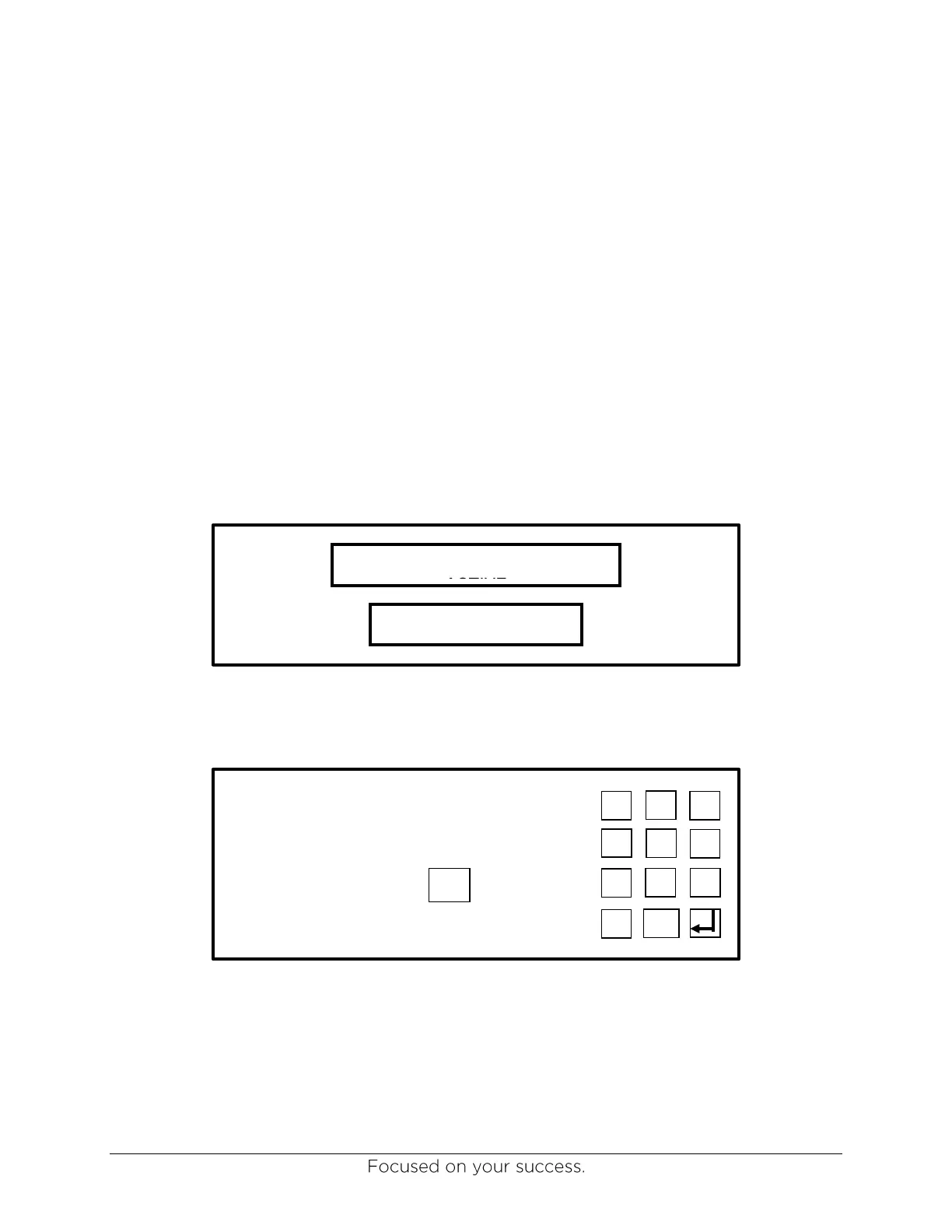
COVER COATING CYCLE TIME ADJUSTMENT – This option allows you to set the cover cycle
time out in seconds. This time should be set between a minimum of 15 and a maximum of
300 seconds.
COVER COATING CYCLE
ACTIVE


 To Next Page