www.ultraoptics.com page 11
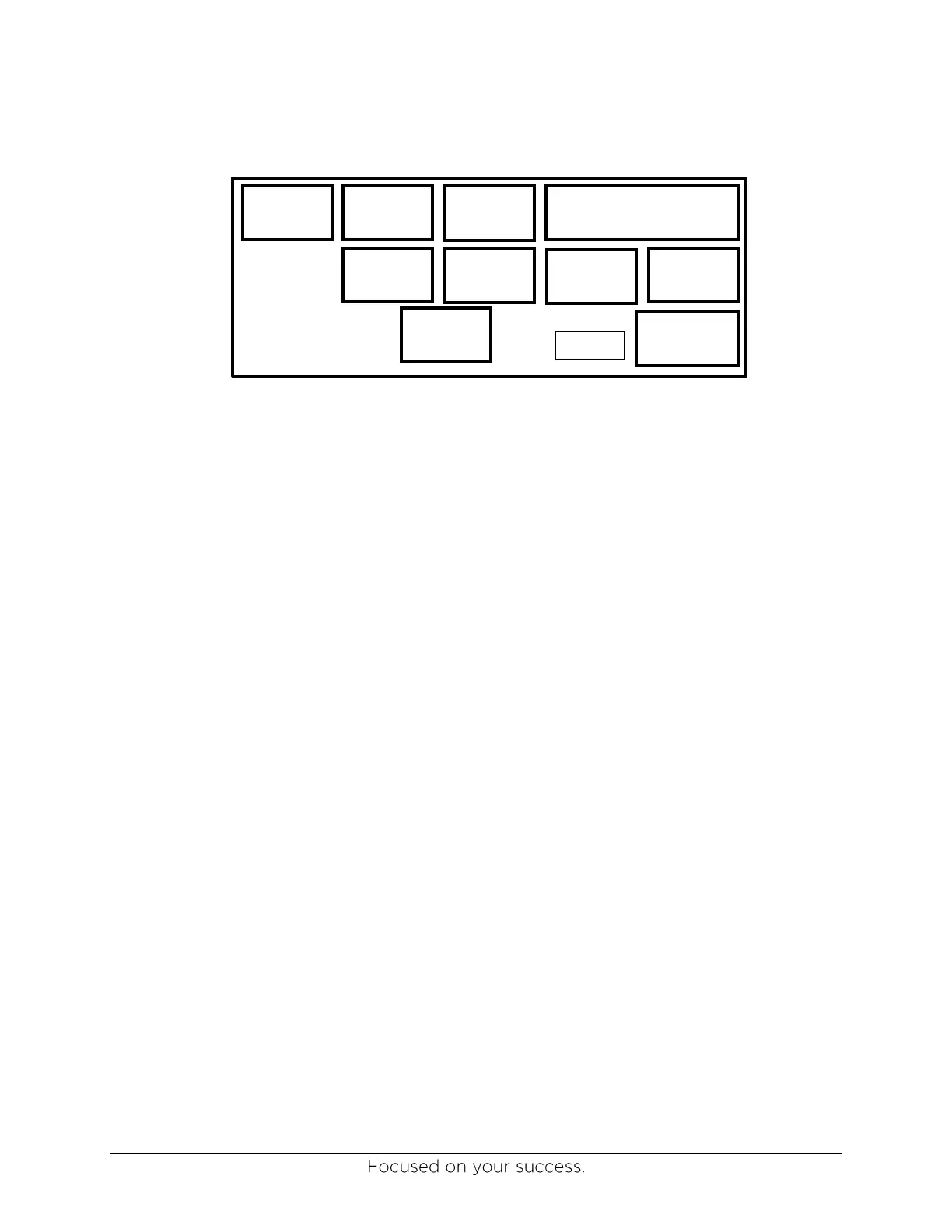
System Detail Screen
This screen is used to measure individual spindle speeds. Each spindle is numbered. Locate
spindles #1 or #2 by selecting the INDEX button.
SPINDLE1 ON COAT – Selecting this button allows adjustment of the coat speeds for spindle
#1 using the COAT potentiometer as shown in Figure 8 on page 18.
COAT SPIN OFF – Selecting this button, with COAT SPEED button ON, allows adjustment of
coat spin-off speeds with the COAT SPIN OFF potentiometer as shown in Figure 8.
SPINDLE 1 WASH – Selecting this button, with COAT SPEED button ON, allows adjustment of
the wash speed with the WASH SPEED potentiometer as shown in Figure 8.
NOTE: The same procedures can be followed to set the speeds for spindle #2.


 To Next Page