Helpline No UK. 0871 2000 463 ROI. 01443 3940
Web Support: www.umc-uk.co.uk
6
TV Buttons and Source Menu
TV BUTTONS & SOURCE MENU
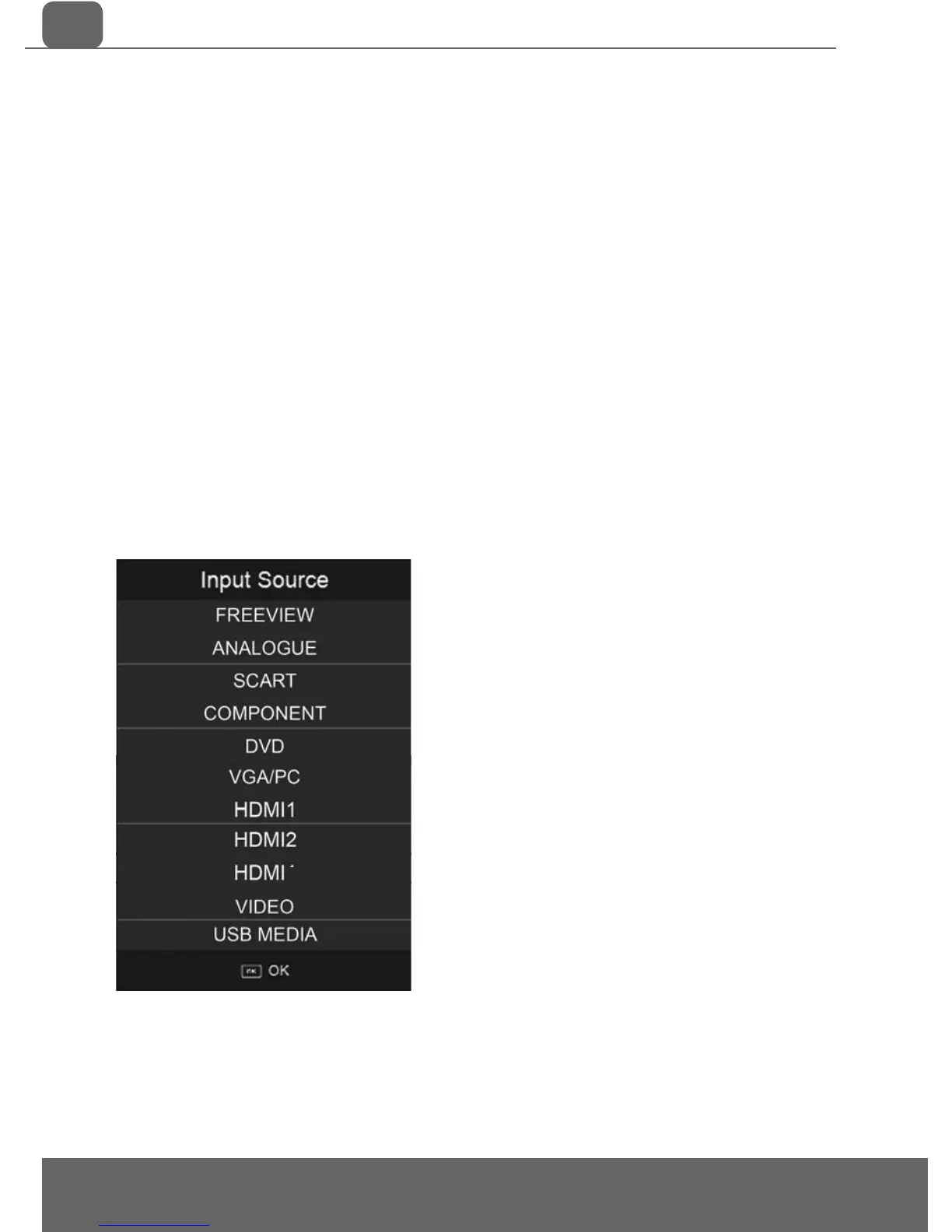
Choosing Mode Input/Source
To switch between the different input/connections.
A) Using the buttons on the remote control:
1) Press [SOURCE/ AV] - The source menu will appear
2) Press [\/] or [/\] to select the input you require.
3) Press [OK]
B) Using the buttons on the Television:
1) Press [SOURCE]
2) Scroll up / down using CH+/ CH- buttons to the
input/source you require
3) Press Vol+ to change input/source to the one
selected.
3
Example of Source menu
May vary by Model



 To Next Page