UNAOHM
22 EP2500 (Rev. 0)
7.10 DiSEqC
The instrument can drive peripherals in conformity with the DiSEqC 1.1 and 1.2 protocols.
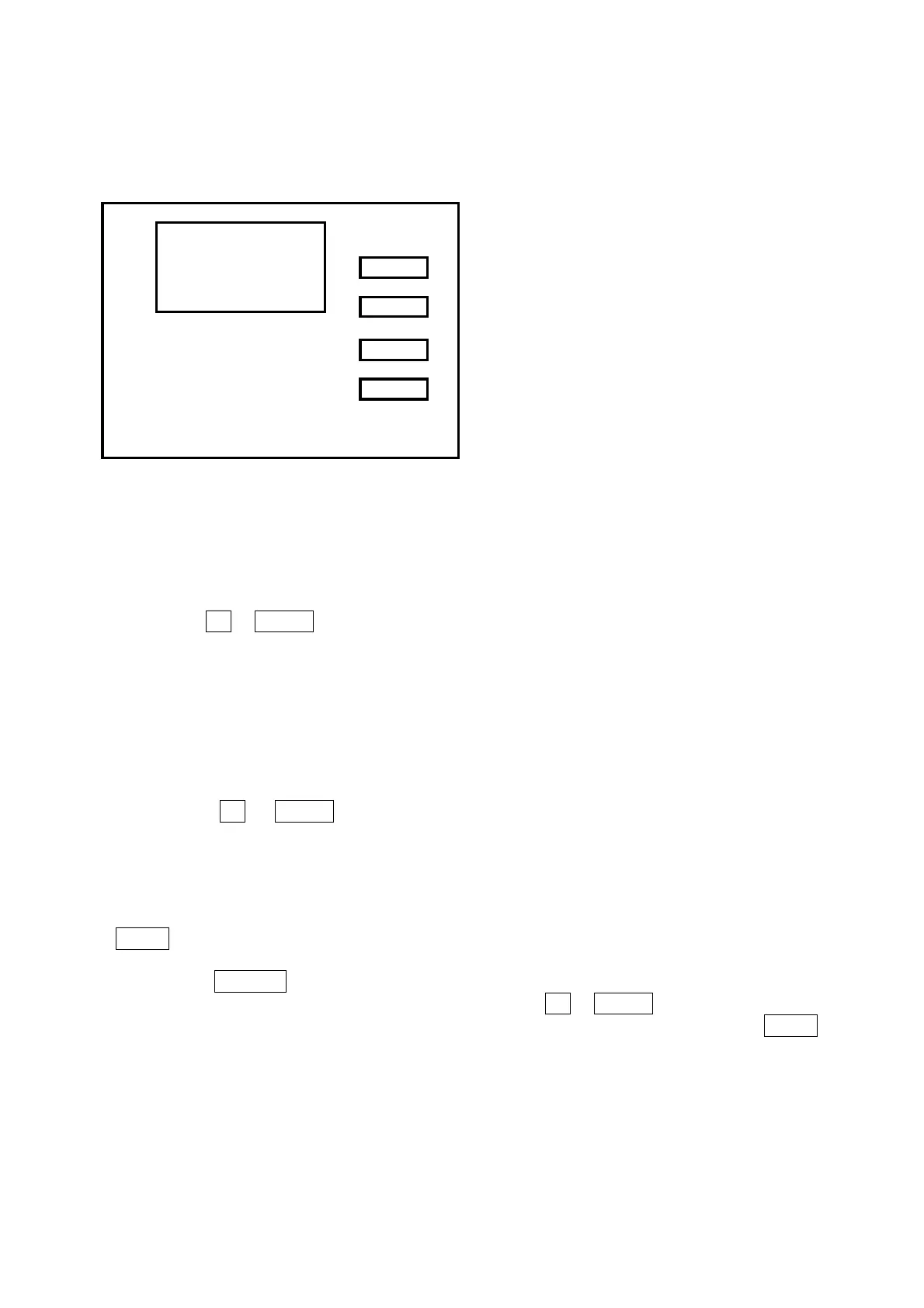
Figure 7 DiSEqC command selection display
7.10.1 How to Engage the 22 kHz Tone
1 Press the key DSQ (28).
Figure 7 is displayed on the screen.
2 Use the keys UP or DOWN to position the cursor in correspondence with the 22 kHz reading.
3 Press DSQ to alternately enable/disable the tone. The presence of the signal is indicated on the OSD
display.
4 Once the function has been performed, the instrument returns to the normal operating mode.
7.10.2 Transmission of a DiSEqC 1.1 Command
1. Press the key DSQ (28). The display in
Figure 7 will appear.
2. Use the keys UP or DOWN to position the cursor in correspondence with the DiSEqC reading
followed by the name of a command.
3. Press ↵ ENTER (21) to transmit the command indicated. Immediately following transmission the
cursor shifts to the other command available, which in turn may be transmitted by means of
↵ ENTER and so on thereby making it possible to rapidly transmit two commands alternately.
4. To simply transmit the command indicated and return to the normal operating mode press DSQ or
BACK.
At the previous point 3, to transmit a command different from the one selected, proceed as follows:
1. Press the key SELECT.
Figure 8 appears on the display screen.
2. Select the command to be transmitted by means of the keys UP or DOWN.
3. Press ↵ ENTER to transmit the command while remaining in the same menu or DSQ or BACK to
transmit the command and return to the menu in Figure 7 which will have been up-dated to include
the new command.
NOTE: DiSEqC is engaged oly when power to the LNB in SAT band is engaged. The complete DiSEqC
list os commands is found in Appendix A.
7.10.3 DiSEqC 1.2 for Steerable Dishes
DiSEqC 1.2 commands make it possible to control the position of a steerable dish.
DiSEqC
SELECT
DOWN
UP
BACK
MENU DiSEqC
DiSEqC1 SW1 OFF l LO
DiSEqC2 SW1 ON h LO
22 kHz ON



 To Next Page