UNAOHM
EP2500 (Rev. 0)
41
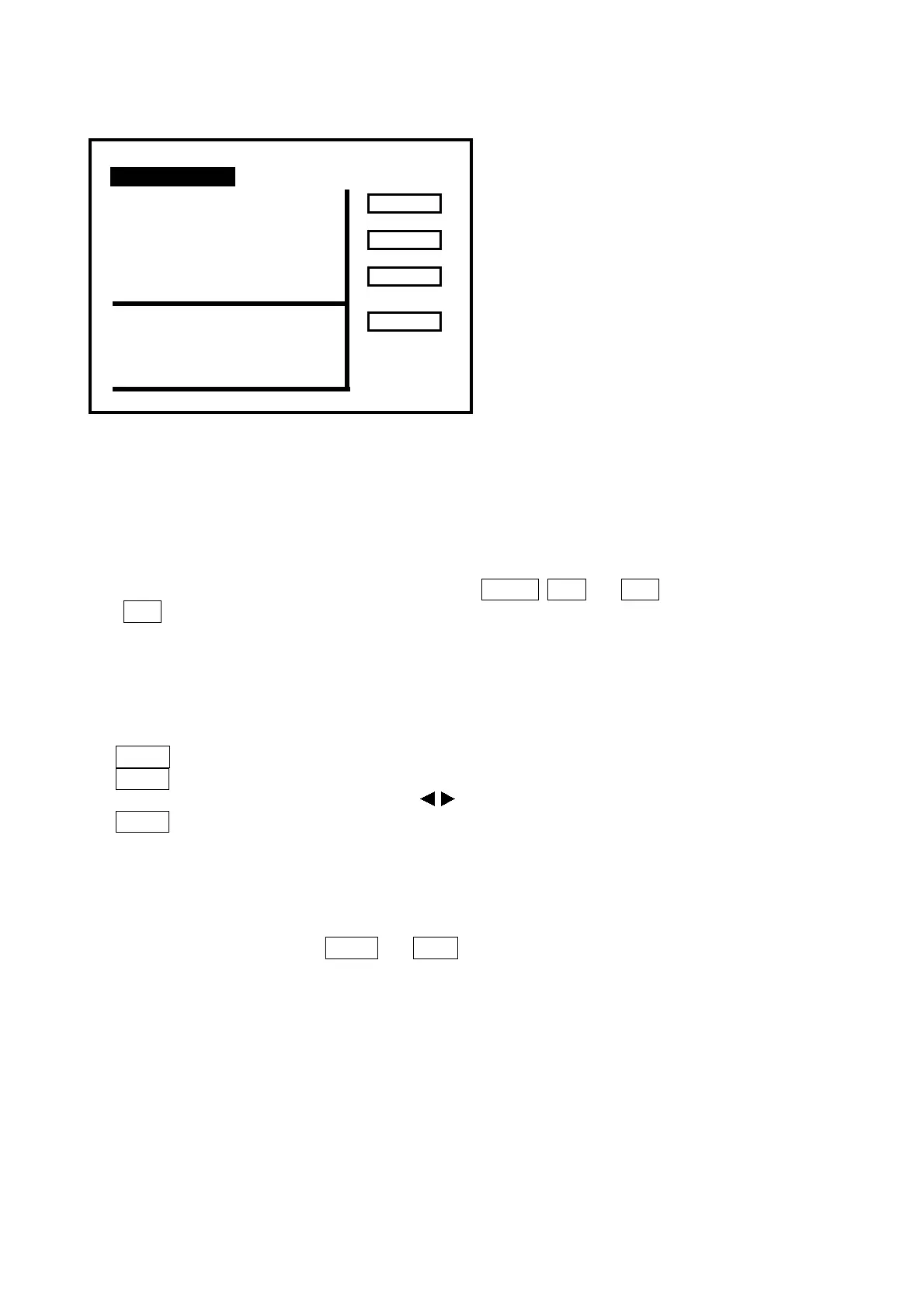
Figure 19 Typical QPSK BER & MER display
9.1.2 How to Use the QPSK Card
Set the frequency of the QPSK digital channel, the LNB voltage; engage the LNB voltage to activate the
Polarotor and, if necessary, the 22 kHz tone as for a normal analogue channel.
To activate the QPSK card from MEAsurement, press MORE, DCP and BER or press DIGITAL (35)
then BER, if you are on SPECTrum, EXPanded or TV function.
For the module to function properly, the PWR index reading (see Figure 19) must read “OK”. If
necessary, use the attenuator. Employ the lowest attenuation possible that is compatible with the “OK”
reading.
The “SYMBOL RATE”, may be set as follows:
1. PRMT.
2. SYMB.
3. The shaft encoder and, if necessary, Press to set the value.
4. BACK to terminate.
While the QPSK module is operating it is possible to change the tuning frequency as for the analogue
satellite band, but keep in mind that response time of the instrument is longer in digital mode.
If storing in a program, the Symbol Rate, Code Rate, Spectrum settings will also be stored together with
the other normal values such as frequency, etc. through key ↓↓ STORE (30).
To exit the QPSK function press BACK and EXIT.
CH BER: 2.23 E -4 LOCKED
pv BER: 0.00 E-8
RU : 00000 (00h00m08s)
MER: 8.7 dB
CFO: 0 PWR index: OK
1734.0 PR02
SYMB : 27500
CODE : 5/6 AUTO M00
SPECT: DIR. AUTO
BAC
PRMT
SPEC



 To Next Page