EYE MINI USER MANUAL 13
Get Familiar
Device: you will nd your EYE MINI Serial
Number, Region, Wi-Fi SSID, and Wi-Fi
Password.
License section: you can see your account
email, region, level, license expiration date,
and how many days are left on the current
license.
Notice: you’ll nd the EYE MINI safety
warning.
Device: gives you the product and brand
name.
Gives you the status of the Battery
life, WiFi, WiFi IP Address, Ethernet,
Ethernet IP Address.
Status
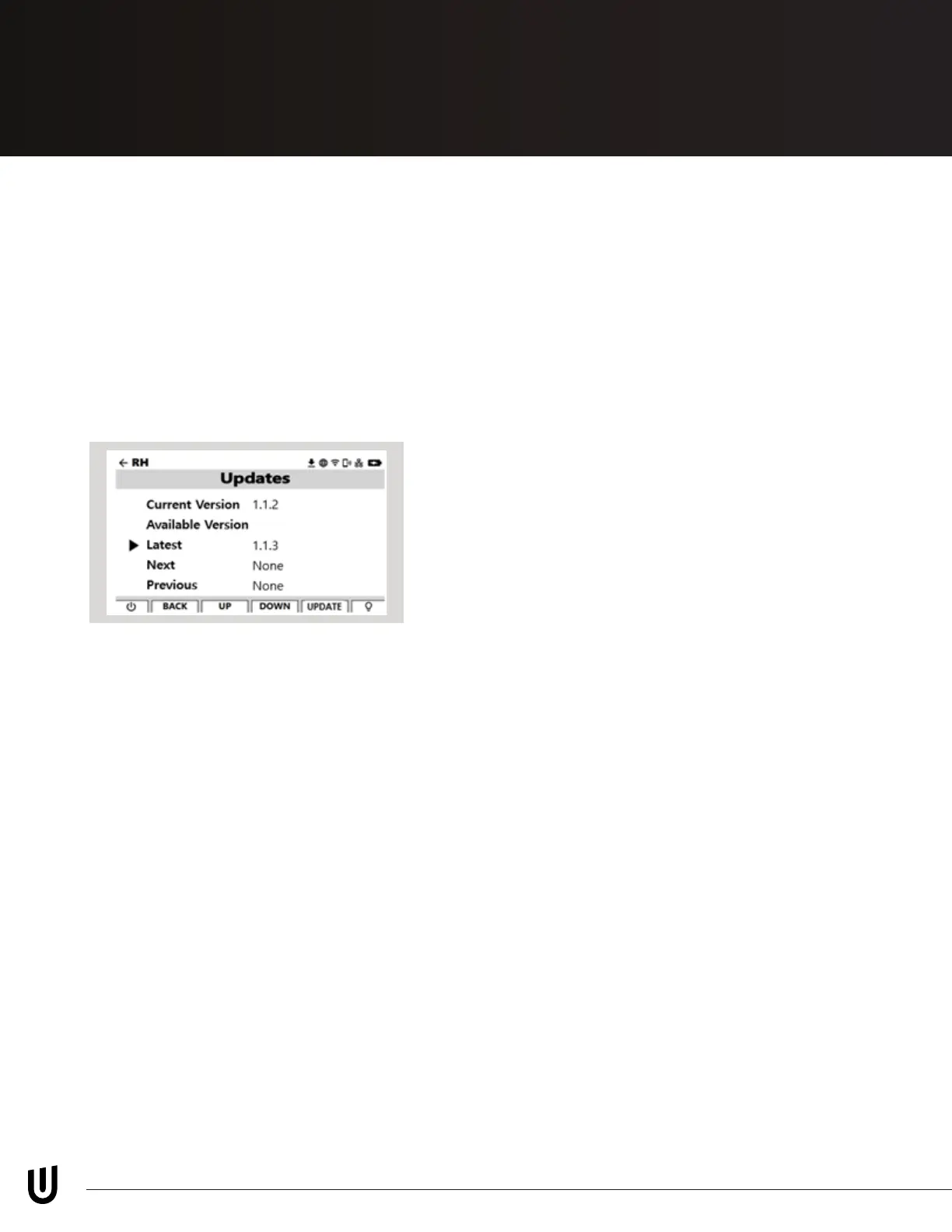
Current software version and new
updates can be found here.
Updates
*Be careful to not power off device during updates
Go here to nd contact information for
Uneekor Support Team.
Help
About


 To Next Page