Getting Set-Up
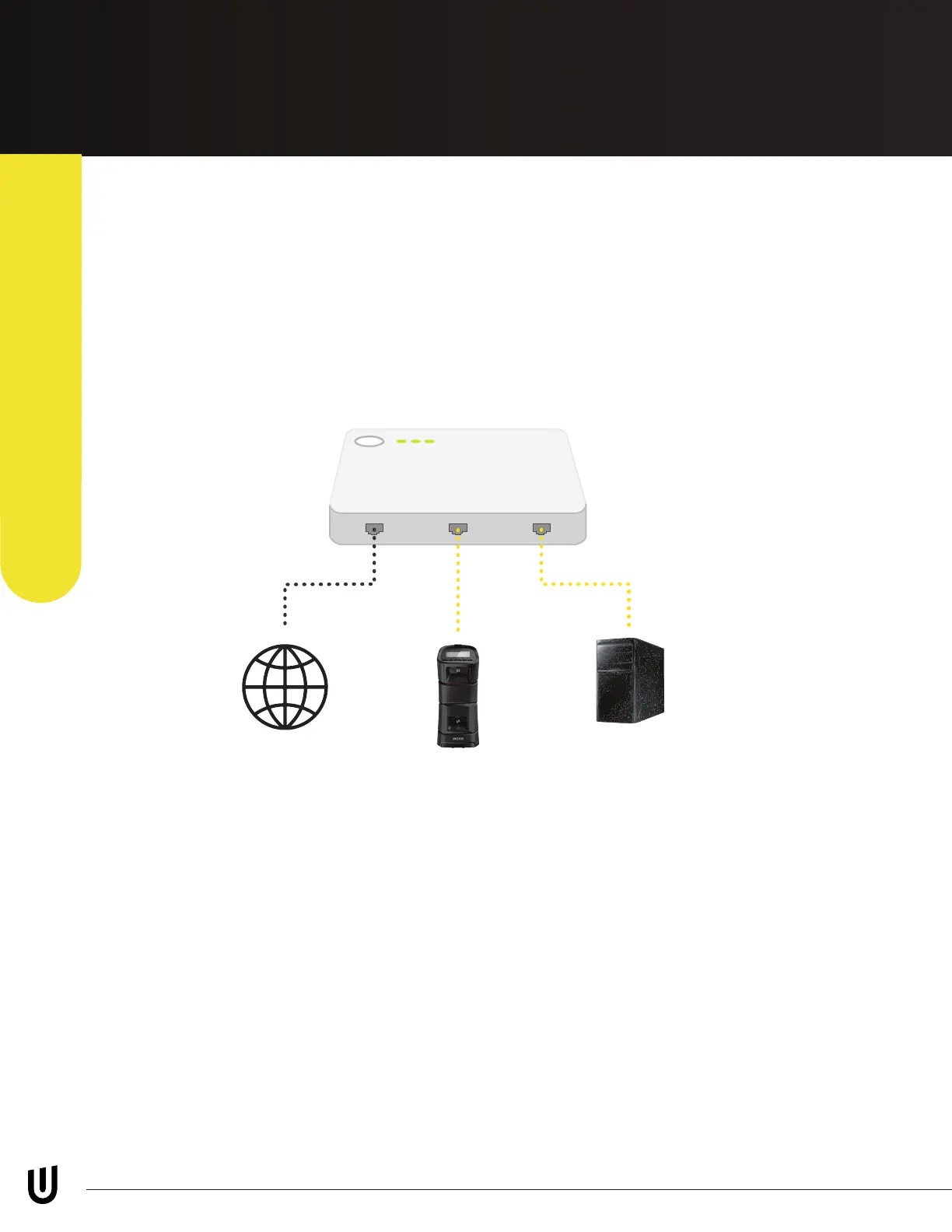
Ethernet- Router/ Switch
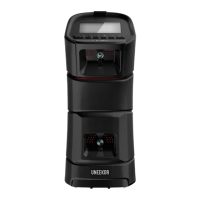
It is possible to connect your EYE MINI to the internet by connecting the
ethernet cable directly into your router or network switch. To connect the EYE
MINI this way, please connect the ethernet cable provided from the back of
the EYE MINI to the LAN port on your router or network switch. Under settings
change ethernet type to “Dynamic”.
*PC and EYE MINI are connected through the ethernet switch.
EYE MINI USER MANUAL 15
Page 15 Diagram - EYE-MINI Manual Diagrams
Internet
EYE MINI
PC
Dynamic (DHCP)
Internet Connection


 To Next Page