EYE MINI USER MANUAL 21
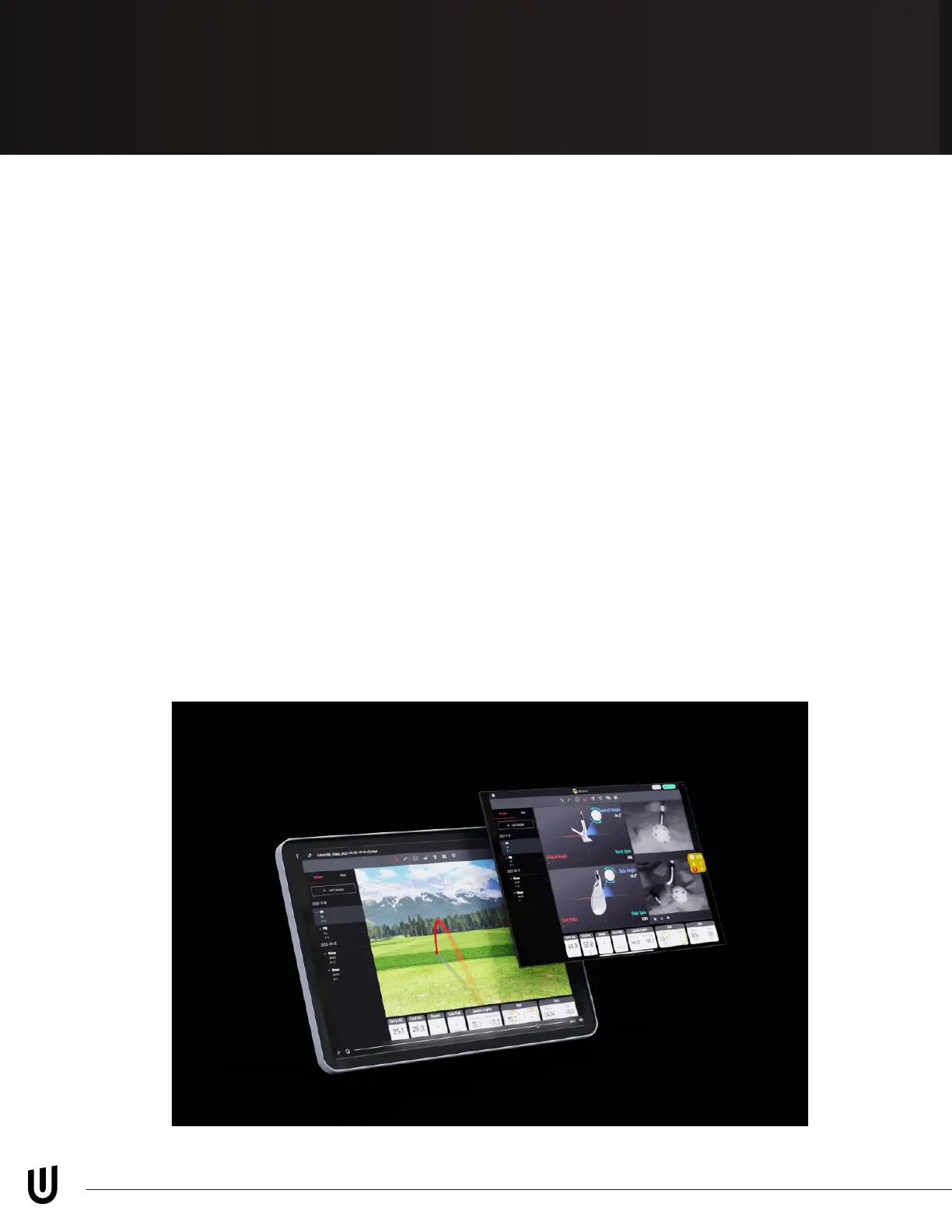
iPad View App
You will need to register your EYE MINI using the Uneekor Launcher with your PC
prior to using an iPad.
On the main screen of the EYE MINI, select “MENU”. On the left-hand side of the
MENU screen, you’ll see a QR Code. If you do not see the QR code, go to settings
and chage the WiFi setting to Access Point (AP).
Open the camera on your iPad and hover over the QR Code.
On your iPad screen tap, “Join EYE MINI - .....” Network.
Open settings on your iPad, navigate to WiFi and you should see you are connected
to “EYE MINI - ......”
(*WiFi password for all EYE MINI Launch Monitors is “EYE_MINI”*)


 To Next Page