EYE MINI USER MANUAL 22
iPad View App
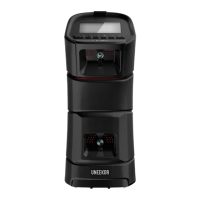
1. Once EYE MINI is connected to an iPad and has been registered on the
Uneekor Launcher with your My.Uneekor account, download the View
application from the App Store.
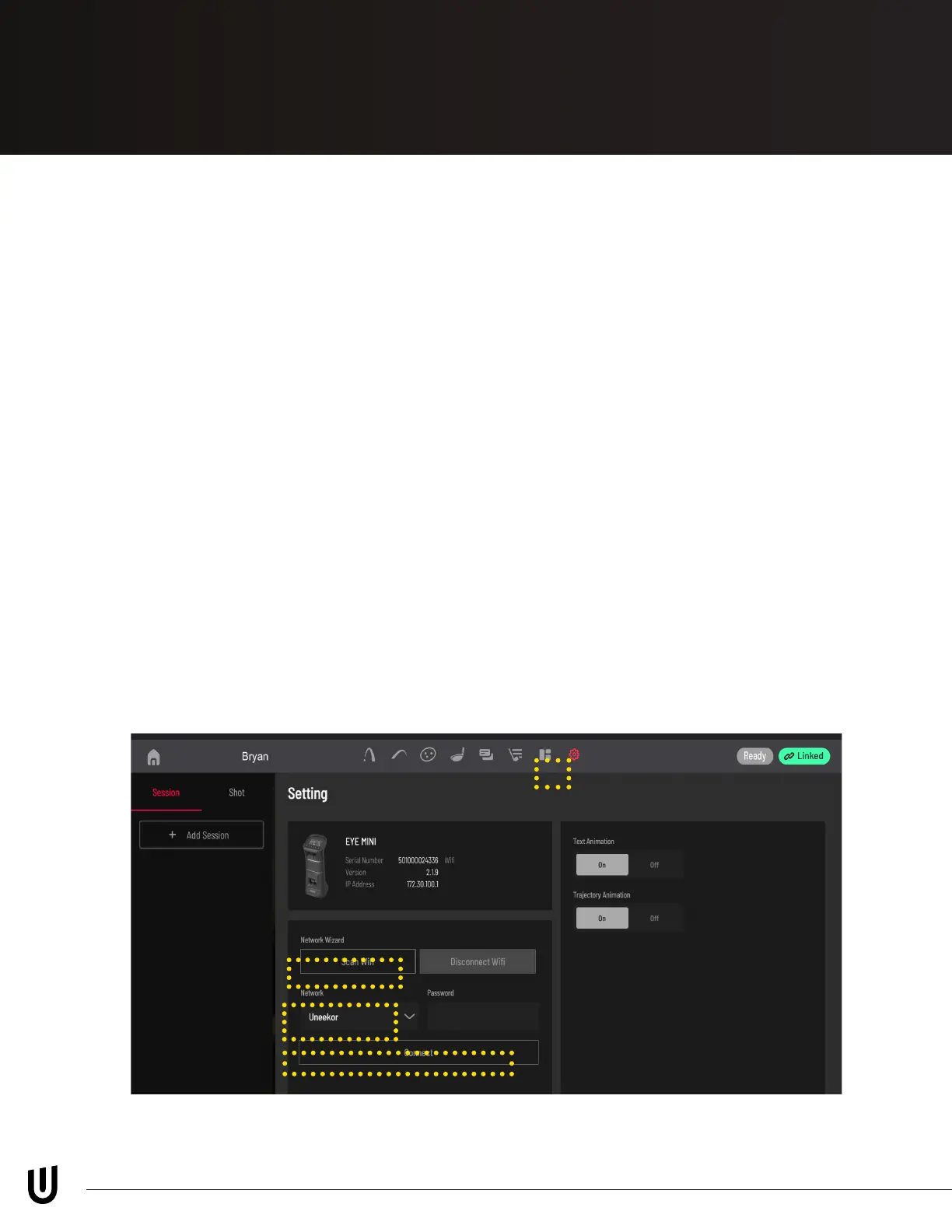
2. Open the View app on your iPad. Select your EYE MINI device and press
connect. Select or create a prole and click the settings wheel on the top of
the screen.
3. Under settings, click “Scan WiFi.” Once the scan is complete, select your
WiFi network from the drop down, enter the password, and click “Connect.”
*Within 90-days you MUST connect EYE MINI to the internet in
order to register your license*


 To Next Page