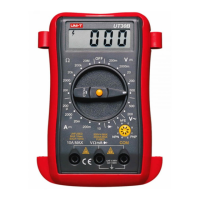
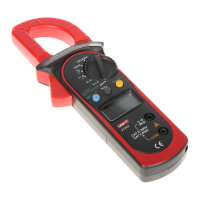
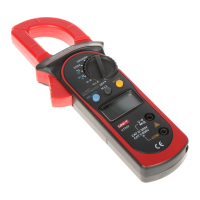
To measure frequency, connect the Meter as follows:
1. Insert the red test lead into the VΩ
terminal and the
black test lead into the COM terminal.
2. Set the rotary switch to an appropriate measurement
position in kHz range.
3. Connect the test leads across with the object being
measured.
The measured value shows on the display.
When Hz measurement has been completed,
disconnect the connection between the testing leads
and the circuit under test.
l
Note
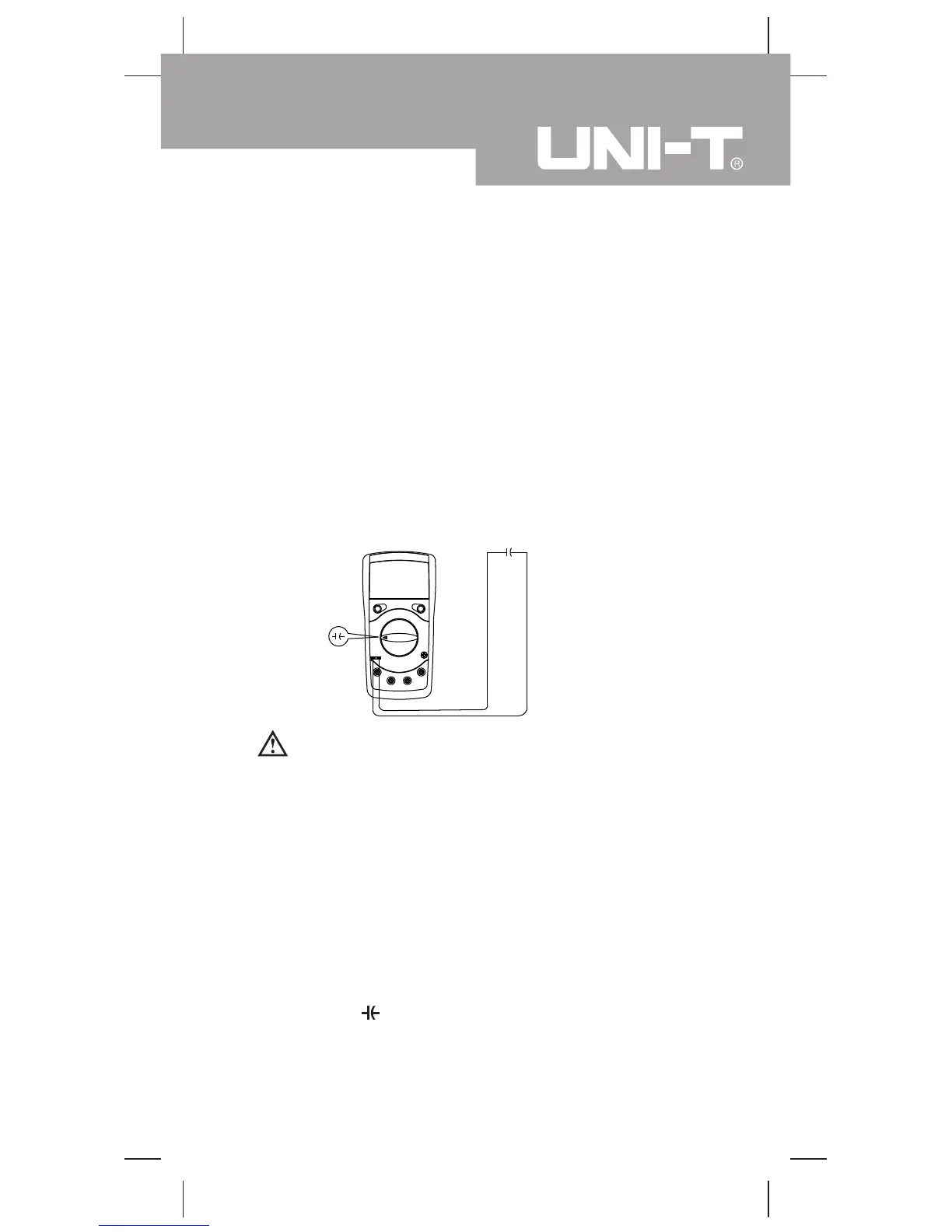
H. Capacitance Measurement (see figure 7)
Warning
To avoid damage to the Meter or to the equipment
under test, disconnect the tested circuit power when
measuring on line capacitors and discharge all high-
voltage capacitors before measuring capacitance.
Use the DC voltage function to confirm that the
capacitor is discharged.
Never attempt to input over 60V in DC or 3V rms in
AC to avoid personal dangerous.
( figure 7)
To measure capacitance, connect the Meter as follows:
1. Insert the capacitor to be tested into the capacitance
jack.
2. Set the rotary switch to an appropriate measurement
position in range.
3. Connect the test leads across with the object being
measured.
The measured value shows on the display.
15
Model UT39E: OPERATING MANUAL



 To Next Page