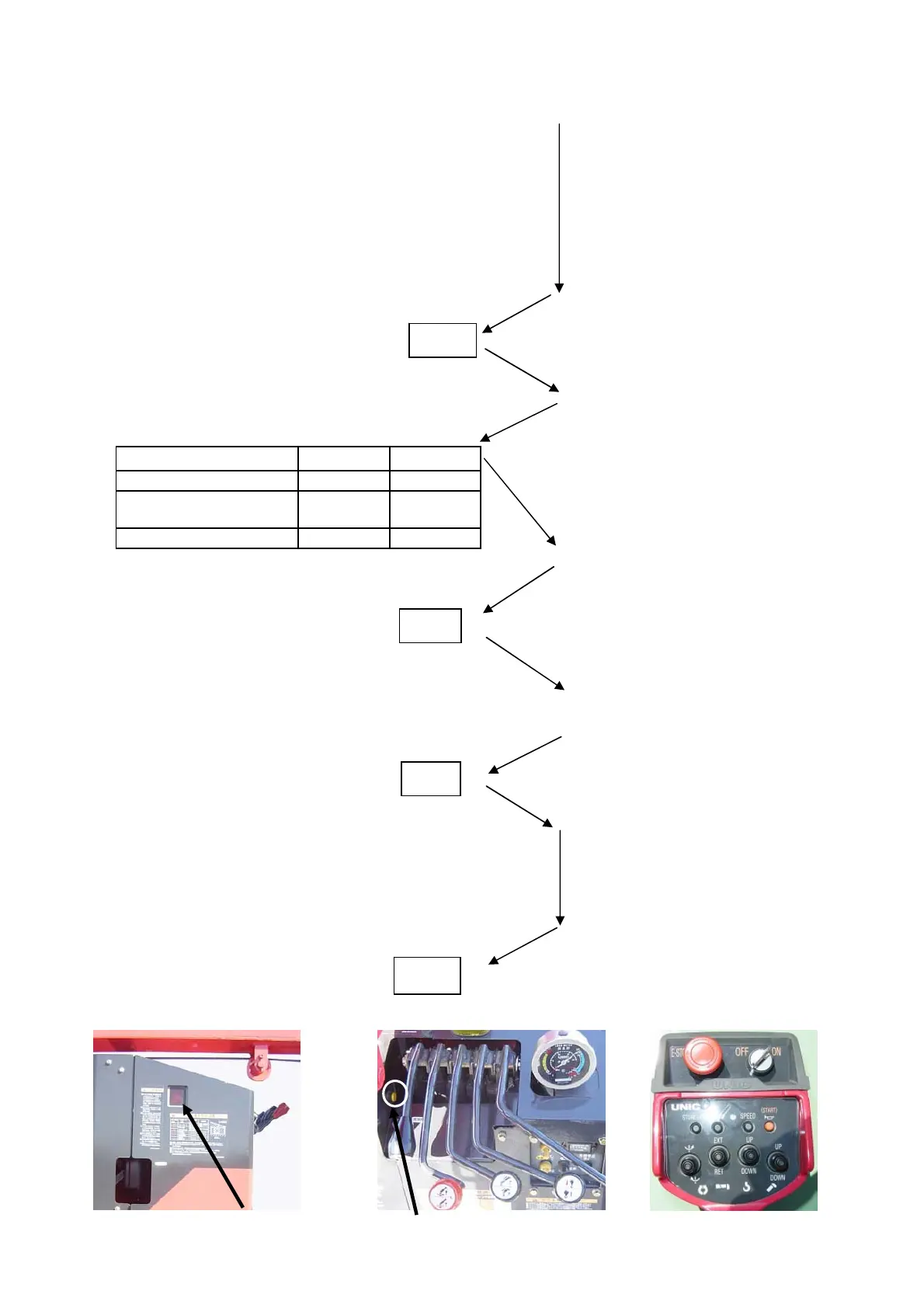
Mode indication
Setting procedures
Engage PTO to turn power ON.
Blinks for 5 seconds
Depress “hook storing” switch.
Figures blin
Figures Figures
00
02
Depress “hook storing” switch.
blinks
Setting neutral position of spool
blinks
Setting full stroke position of spool
Actuate accelerator cylinder to full stroke.
Depress “hook storing” switch.
lights
This completes zero point adjustment
Automatic stop leaving
minima wire rope
0
Depress “radio remote control selector”
switch and ”slewing C.W.” switch
simultaneously until beep sound is heard,
then depress “slewing C.C.W.” switch
within 1 second with “radio remote
control selector” switch depressed
Shift lever in both directions to
their full strokes.
1
Check each lever and the accelerator is at
its neutral position to depress “hook
storing” switch.
Para-hook
8.6 Zero point adjustment
Start "Hook storage" SW being pushed one by one from the
"CC" blinking when you do not exchange the control boxes.
Specification
Normal
--
C C
0 0
C F
Mode indicator
Remoto control selctor switch
(8-6)



 To Next Page