Maintenance
- 75 -
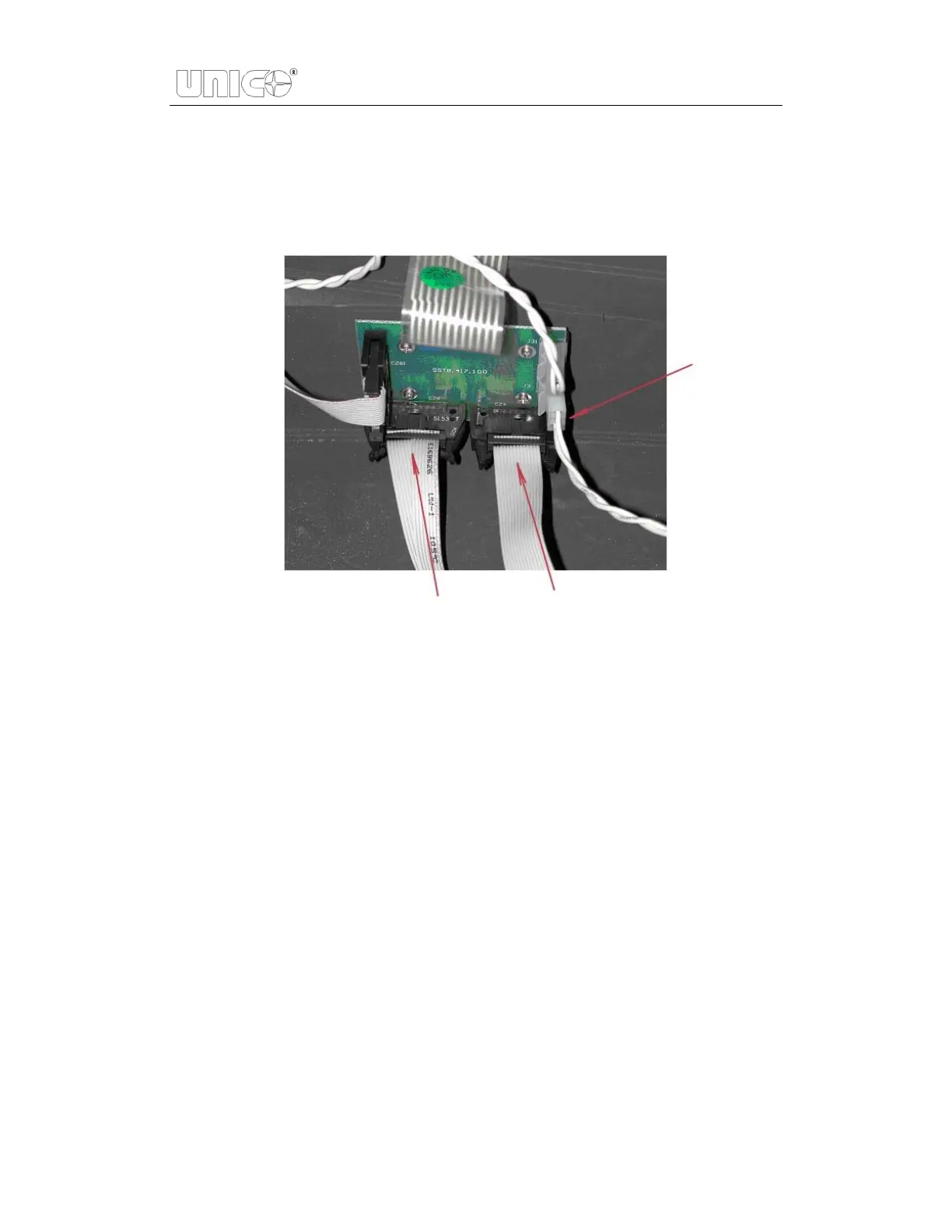
HINT: If it is necessary to remove the cover from the right side of the
instrument, carefully remove 3 connectors (CZ6, CZ4 and J3) on
PCB marked SST8.417.100 . Be sure to reconnect after replacing
the lamp! Show in Figure 7.3.
Figure 7.3 Unplug J3, CZ4, CZ6
5. Remove the grey metal protection cover. Using screwdrivers remove the two
top screws and the two bottom screws, and then place the protective cover to
the side. Shown in Figure 7.4.


 To Next Page
 Loading...