EasyManua.ls Logo

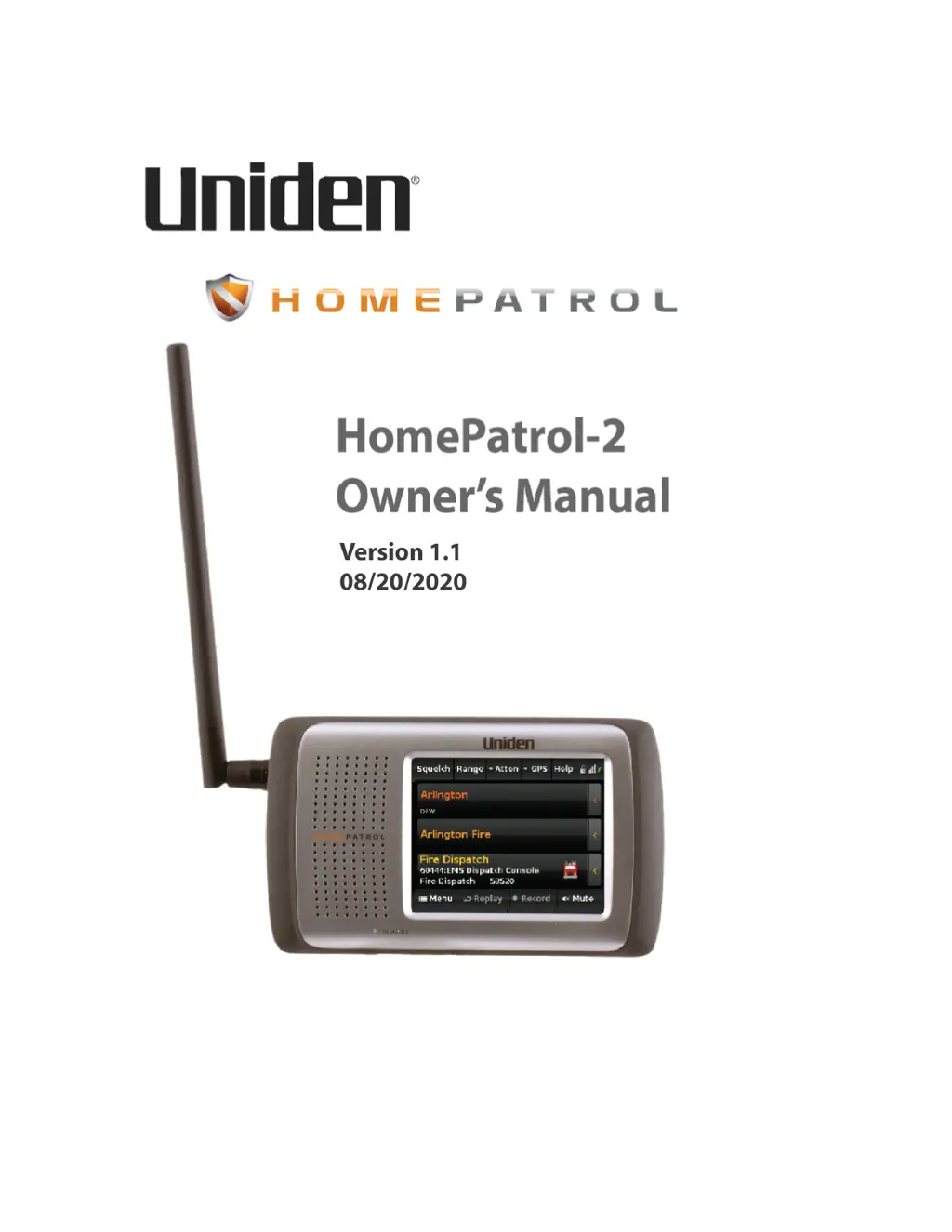
Uniden HomePatrol-2 - User Manual

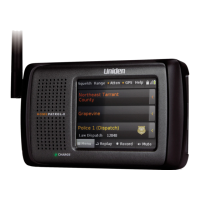
Uniden HomePatrol-2
46 pages
Print Icon
To Next Page IconTo Next Page
Loading...
!
!

Table of Contents

Questions and Answers

  • D
    Darius KellyJul 28, 2025
    What to do if Uniden HomePatrol-2 Receiver stops on a channel but there is no sound?
    • G
      Gregory MaxwellJul 28, 2025
      If your Uniden HomePatrol-2 Receiver stops on a channel but you can't hear anything, first verify that the MUTE function is not enabled. Then, check the volume level to ensure it is audible.
  • D
    Donna JenkinsAug 1, 2025
    What to do if Uniden HomePatrol-2 Receiver won’t stop on any channels?
    • J
      John JamesAug 1, 2025
      If your Uniden HomePatrol-2 Receiver won’t stop on any channels, check for any avoided channels. You may also need to adjust the antenna, range, squelch, and attenuation settings. Additionally, try moving the unit to a different location.
  • L
    Linda AllenAug 6, 2025
    How to turn on Uniden HomePatrol-2 Receiver?
    • J
      Jeffrey FowlerAug 6, 2025
      To turn on your Uniden HomePatrol-2 Receiver, hold the power button down for at least 3 seconds. Also, check that the unit is receiving power and that the batteries are correctly inserted. If using a power adapter, ensure it's receiving power.
  • M
    mayscourtneyAug 12, 2025
    How to turn off Uniden HomePatrol-2 Receiver?
    • M
      Marisa CampbellAug 12, 2025
      To turn off your Uniden HomePatrol-2 Receiver, make sure you are holding the power button down long enough. Press and hold it for at least 3 to 5 seconds.
  • A
    aalexanderAug 17, 2025
    Why weather monitoring won’t work on Uniden HomePatrol-2 Receiver?
    • J
      jamesbarnesAug 17, 2025
      The weather monitoring on your Uniden HomePatrol-2 Receiver might not work because there might not be a NOAA broadcast in your area. Try adjusting the antenna and squelch settings. To verify, move to an area with a known NOAA broadcast.
  • K
    Kimberly GarciaAug 21, 2025
    Why recording and replay do not work on Uniden HomePatrol-2 Receiver?
    • P
      Paul RoweAug 21, 2025
      Recording and Replay functions are disabled on the Uniden HomePatrol-2 if you're operating from external power only without batteries installed, or if the battery power is too low.

Summary

Scanning Legally

Firmware and Database Updates

Hardware and Software Overview

Main Screen Interface

Explains the layout of the Main screen, including controls, status icons, and navigation.

HomePatrol-2 Operations

Channel Selection and Location

Methods for fine-tuning transmissions by adjusting location and selecting channels.

Selecting Channels and Service Types

Methods for fine-tuning transmissions by adjusting location, service types, and range.

Favorites Lists and Avoiding Transmissions

Using saved Favorites Lists and blocking unwanted transmissions.

Building Favorites Lists

Creating New Favorites Lists

Step-by-step guide to creating a new Favorites List using different methods.

Other Features

Avoid and Unavoid Transmissions

Blocking or unblocking specific radio systems, departments, or channels.

Recording Transmissions

Instructions for recording, stopping, and playing back captured radio transmissions.

GPS Receiver Integration

HomePatrol-2 and Sentinel Software

Profile and Database Management

Managing user profiles, Favorites Lists, and databases via Sentinel.

Sentinel Software Installation

Procedures for installing the Sentinel software on a PC.

Troubleshooting

Battery and Power Information

Battery Installation and Charging

Guide to inserting batteries and connecting the unit for charging.

One-Year Limited Warranty

Warranty Performance Procedure

Uniden HomePatrol-2 Specifications

General IconGeneral
TypeDigital Trunking Scanner
Display3.5 inch color touch screen
Power SourceAC adapter, 4 AA batteries (optional)
Audio Outputheadphone jack
Modulation ModesAM, FM, NFM, P25 Phase 1 & 2
DatabasePreloaded with USA/Canada database
Frequency Coverage25-512 MHz, 758-960 MHz, 1240-1300 MHz

Related product manuals