PART III: OPERATION
31
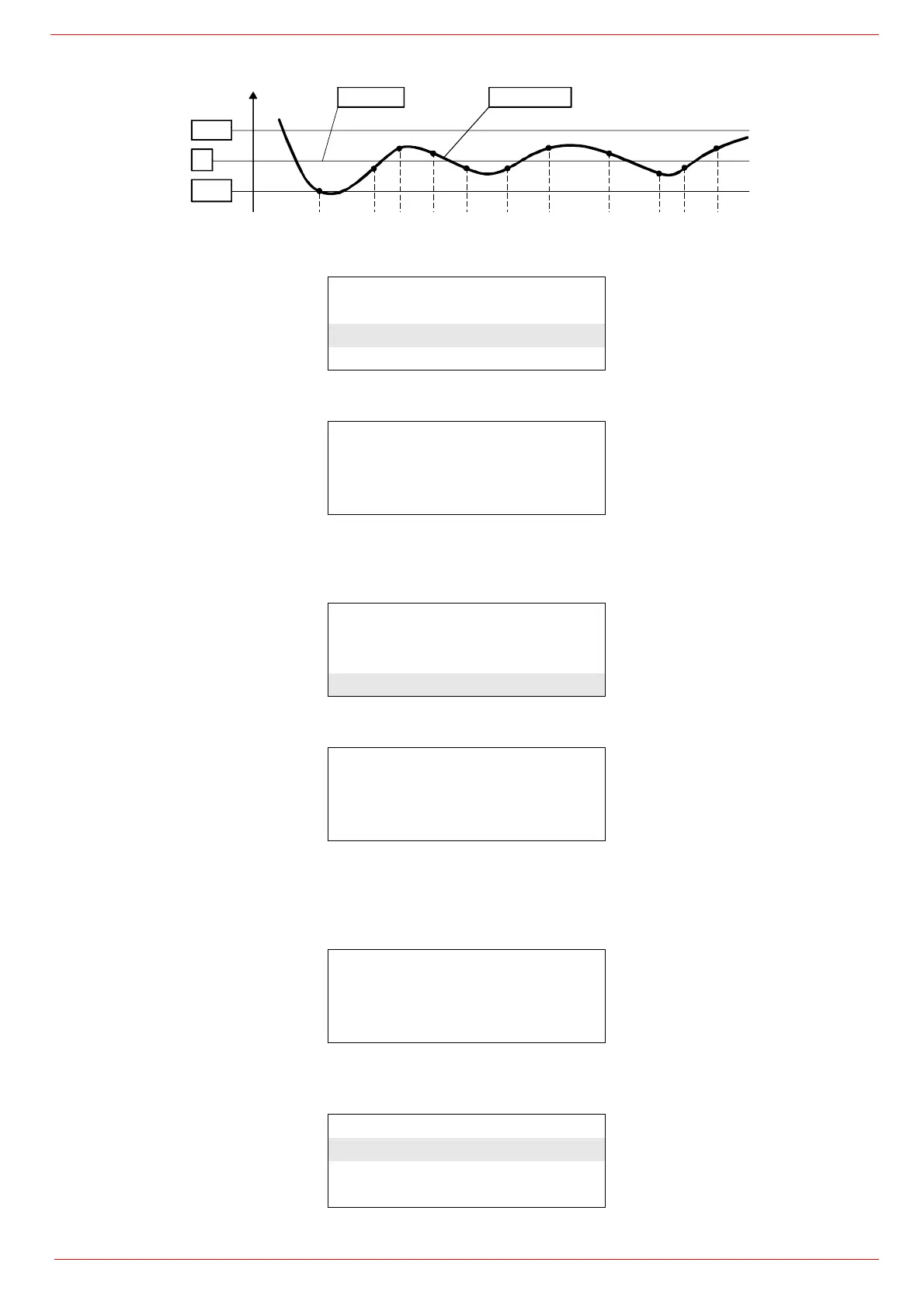
To set these values, select the item SD_ModOn (SDOn), by scrolling down the “Load controller” menu with the arrow keys and press
ENTER:
the display will show:
The deafult value for this parameter is1% that is, the burner will light again at a temperature 1% lower than the set-point. Change value,
if needed, by means of the arrow keys; press ENTER to confirm and the press ESC to exit. Press only ESC to exit without changing.
Now choose SD_ModOff always scrolling down theLoad Controller menu, by menas of the arrow keys, and press ENTER.
the display will show:
The deafult value for this parameter is10% that is, the burner will turn off at a temperature 1% higher than the set-point.
Change value, if needed, by means of the arrow keys; press ENTER to confirm and the press ESC to exit. Press only ESC to exit
without changing. Press the ESC key until the following menu is shown:
scroll this menu down until the tiem “AZL” is reached
SetpointW1
SetpointW2
SD_ModOn
SD_ModOff
SD_ModOn
Curr::
1.0%
New: 1.0%
SetpointW1
SetpointW2
SD_ModOn
SD_ModOff
SD_ModOff
Curr::
10.0%
New: 10.0%
BurnerControl
RatioControl
O2Contr./Guard.
LoadController
LoadController
AZL
Actuators
VSD Module
Setpoint Actual value
SDoff
W
SDon


 To Next Page
 Loading...