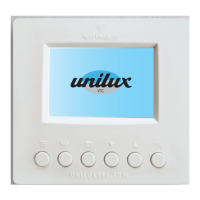
Menu Button
Press Menu to set up your thermostat preferences, which can be changed
whenever you like.
1 Press Menu once to choose Celsius or Fahrenheit temperature –
use Up & Down to make your choice and press OK
2 Select 12 or 24-hour time using Up & Down – Down is 12-hour time;
Up is 24-hour time. Press OK
3 Choose the year using Up & Down, press OK
4 Select the month using Up & Down and confirm by pressing OK
5 Choose the day of the month using Up & Down, press OK to confirm
6 Using Up & Down, select the hour for the time display and press OK
7 Select the minutes for the time display with Up & Down and press OK
8 Choose the day of the week using Up & Down and confirm with OK
Change your settings at any time by repeating these steps.
Sun 0
Mon 1
Tue 2
Wed 3
Thu 4
Fri 5
Sat 6
UniluxVFC.com
5


 To Next Page