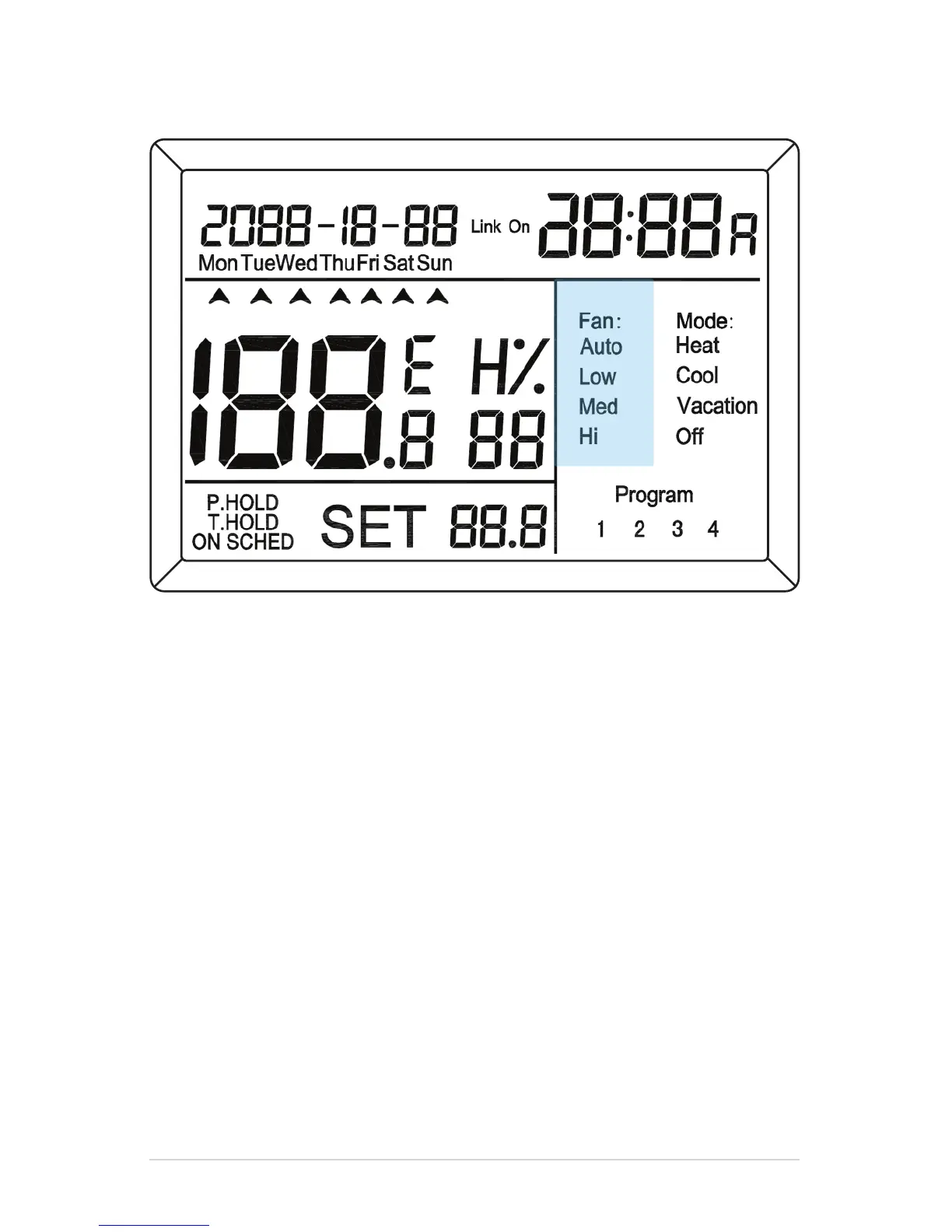
Press MF 4 times, then OK for Auto. The thermostat automatically sets
the fan to High, Med or Low speed determined by the difference between
room temperature and the temperature setpoint.
Press MF 5 times, then OK for Low. Manually set the fan speed to low.
Press MF 6 times, then OK for Medium. Manually set the fan speed to Medium.
Press MF 7 times, then OK for High. Manually set the fan speed to High.
*Vertical Fan Coils with a heat recovery ventilator (HRV) or energy recovery ventilator
(ERV) fan will constantly run on a minimum of low to circulate air through the ventilators.
Fan Modes
Your Comfort is Our Business
8


 To Next Page