76
- UPGRADE: This is for setting DVR S/W upgrade. Select the device that includes the S/W, and then press the
button <Start>, and the upgrade will be conducted. *Notice: Re-booting after upgrading S/W means that
the system works well.
3.11 SEARCH-Setting Menu
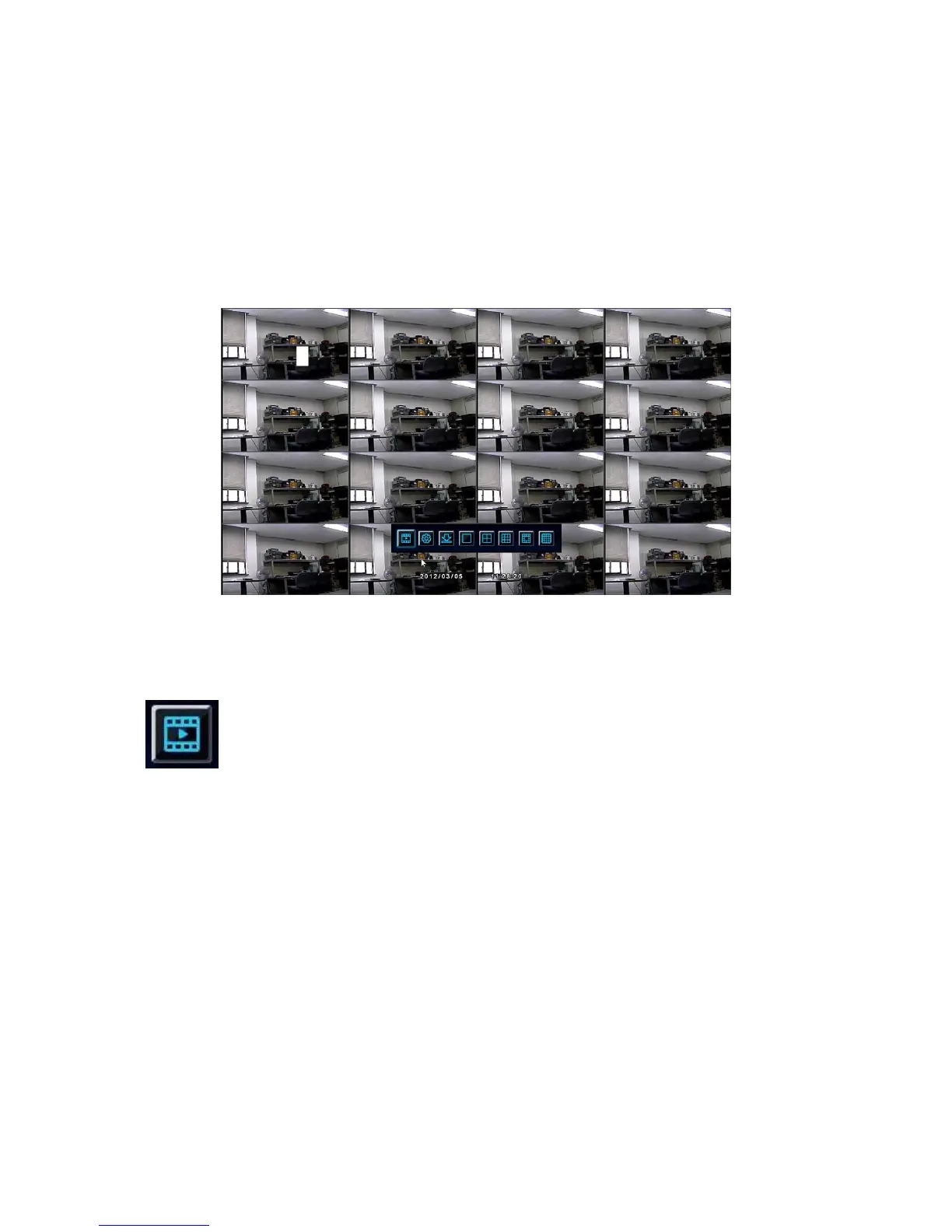
Fig. Screen of SEARCH Menu
If the buttons “Search Button” and “DVR Front Button” of the main icons and the button “Search
Button” on the remote controller are pressed, the following screen is in view.



 To Next Page