99
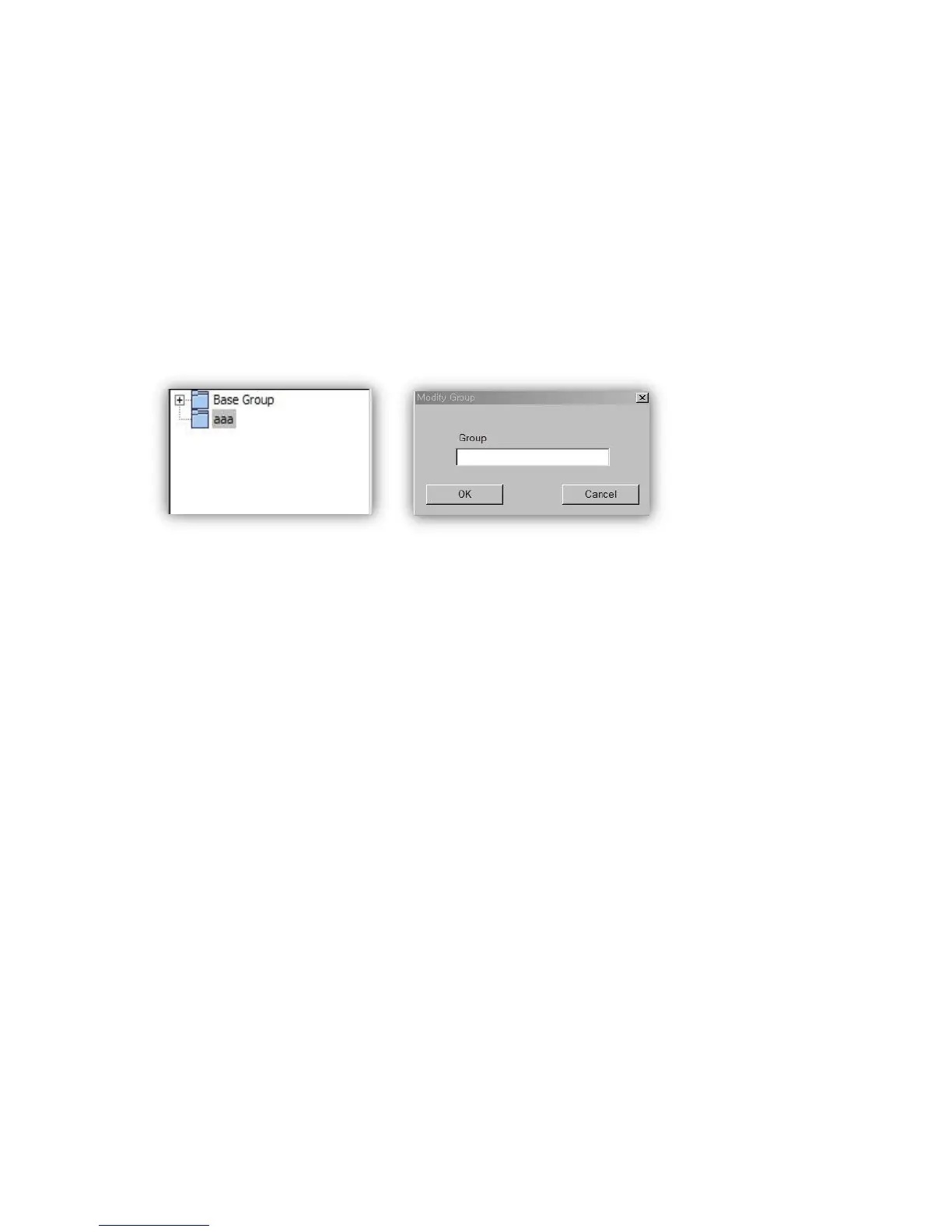
In order to add a new group, press the button “ADD GROUP” to activate the popup window “ADD
GROUP”. Then, enter the name of the group you want and press the key “OK”, and the list will
have the new group added.
- GROUP MODIFY
Select a group you want to change from the list and then press the button “GROUP MODIFY”, and
the window “GROUP MODIFY” will be activated. Enter the name of the group that you want to
change and then press the key “OK”, and the name of the group will be changed.
- GROUP DELETE
Select a group you want to change from the list and then press the button “GROUP DELETE”, and
the selected group will be deleted.
- DVR CONNECT
Enter accurately the information of the connection to the DVR you have, and then press the
button “CONNECT”, and the window below will be in view as Popup for showing the state of
connection, if the connection is successful. Press the key “OK” on the window, and you will view
the images of the DVR in a multi-screen.


 To Next Page