12
© 2018 unitech Electronics Co., Ltd. All rights reserved.
unitech is a registered trademark of unitech Electronics Co., Ltd.
EA300 User’s Manual
1.4.5 Checking the battery level
If the battery level becomes low in the course of normal use, a status icon
appears on the device screen indicating low or very low battery status. In both
cases, connect PC with USB to back up your data, and then recharge your
device as soon as possible.
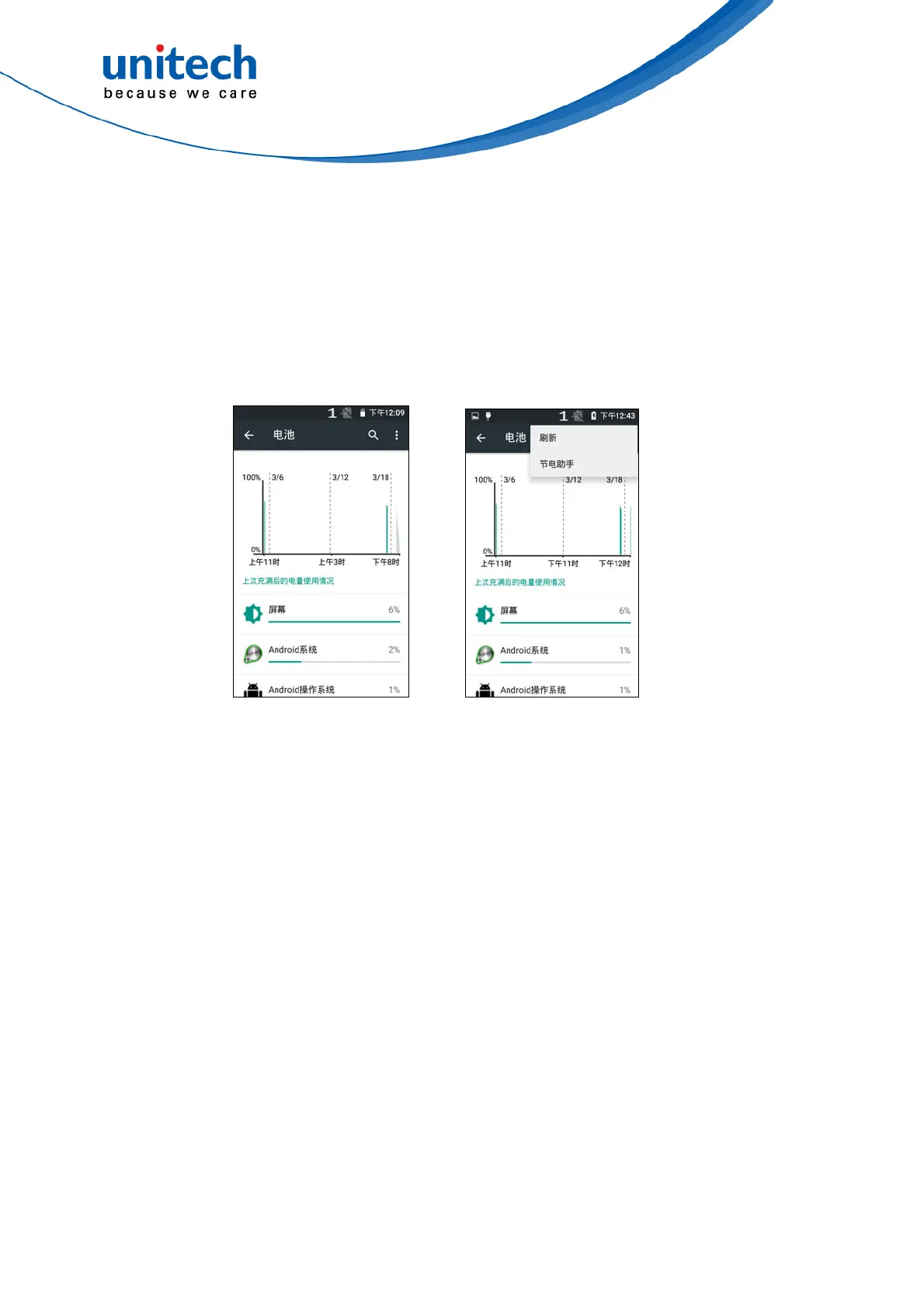
Please go to setting to check the battery level or to adjust applications for the
battery use control.



 To Next Page