3-7 Hand-held scan & some global settings
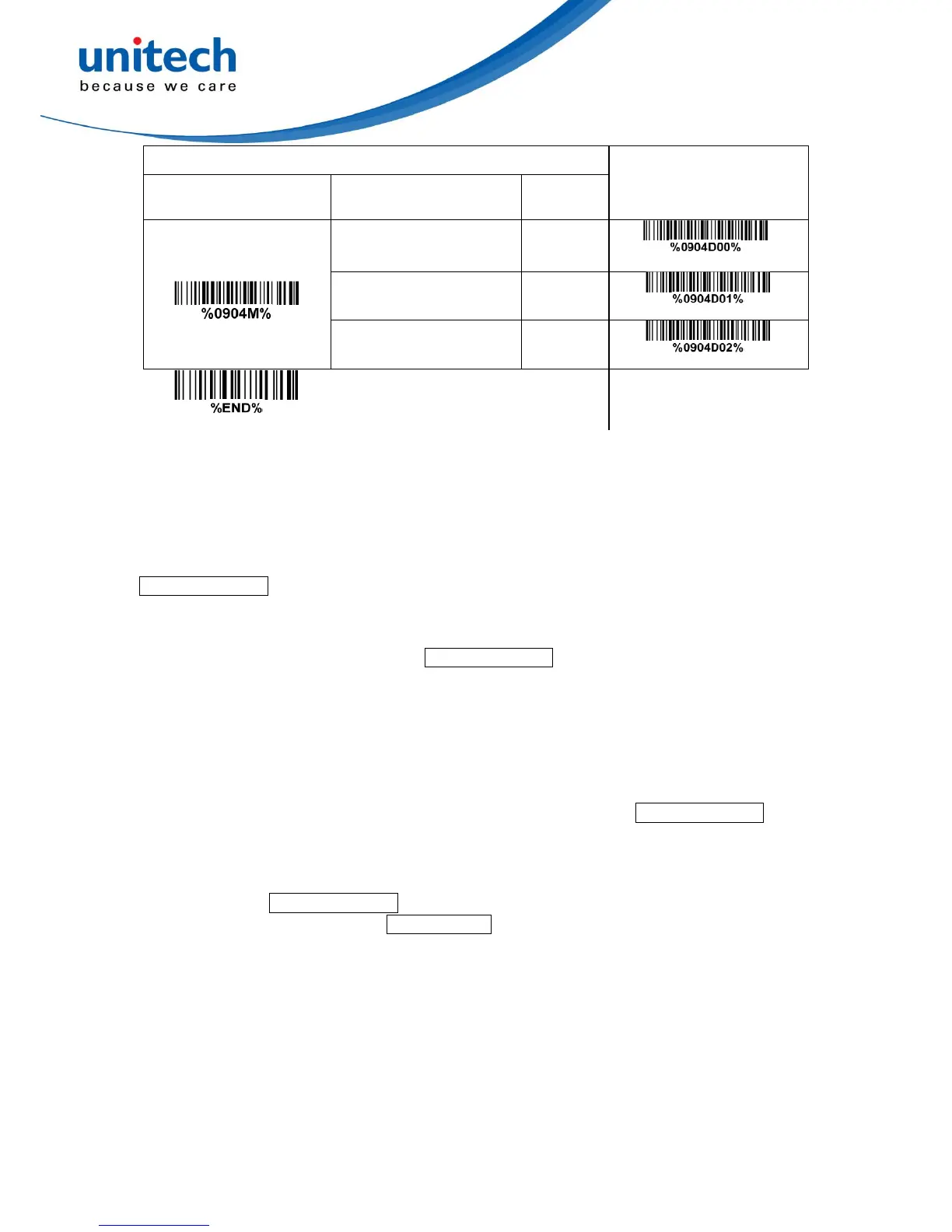
Scanning mode:
Good-read off-The trigger button must be pressed once to activate scanning. The light source
of imager stops scanning when there is a successful reading or no code is decoded after the
Stand-by duration elapsed.
Momentary-The trigger button acts as a switch. Press button to activate scanning and release
button to stop scanning. The light source of imager stops scanning when there is a successful
reading or no code is decoded after the Stand-by duration elapsed.
Alternate continue-The trigger button acts as a toggle switch. Press button to activate or stop
scanning.
Continue-The imager always keeps scanning, and it does not matter when the trigger button is
pressed or duration is elapsed.
Timeout off-The trigger button must be pressed once to activate scanning. The light source of
imager stops scanning when no code is successful decoded after the Stand-by duration
elapsed.
Auto-detection- By setting Enable, the imager will start operating if any nearby object has been
detected. The imager will stop scanning when there is a successful reading or no code is
decoded after the Stand-by duration elapsed. Once the imager stops scanning, the present
object must be removed to enable Auto-detection.
Auto-detection sensitivity: The value of sensitivity, range from 5% to 50%, the smaller the value,
the higher the sensitivity, and the scanner more likely to be triggered.
Same barcode delay time for 1D symbol: If a 1D barcode has been scanned and output once
successfully, the image platform must output the same barcode data beyond delay time. When this
feature is set to be “0xFF”, then the delay time is indefinite.
Same barcode delay time for 2D symbol: If a 2D barcode has been scanned and output once
successfully, the image platform must output the same barcode data beyond delay time. When this
feature is set to be “0xFF”, then the delay time is indefinite.


 To Next Page