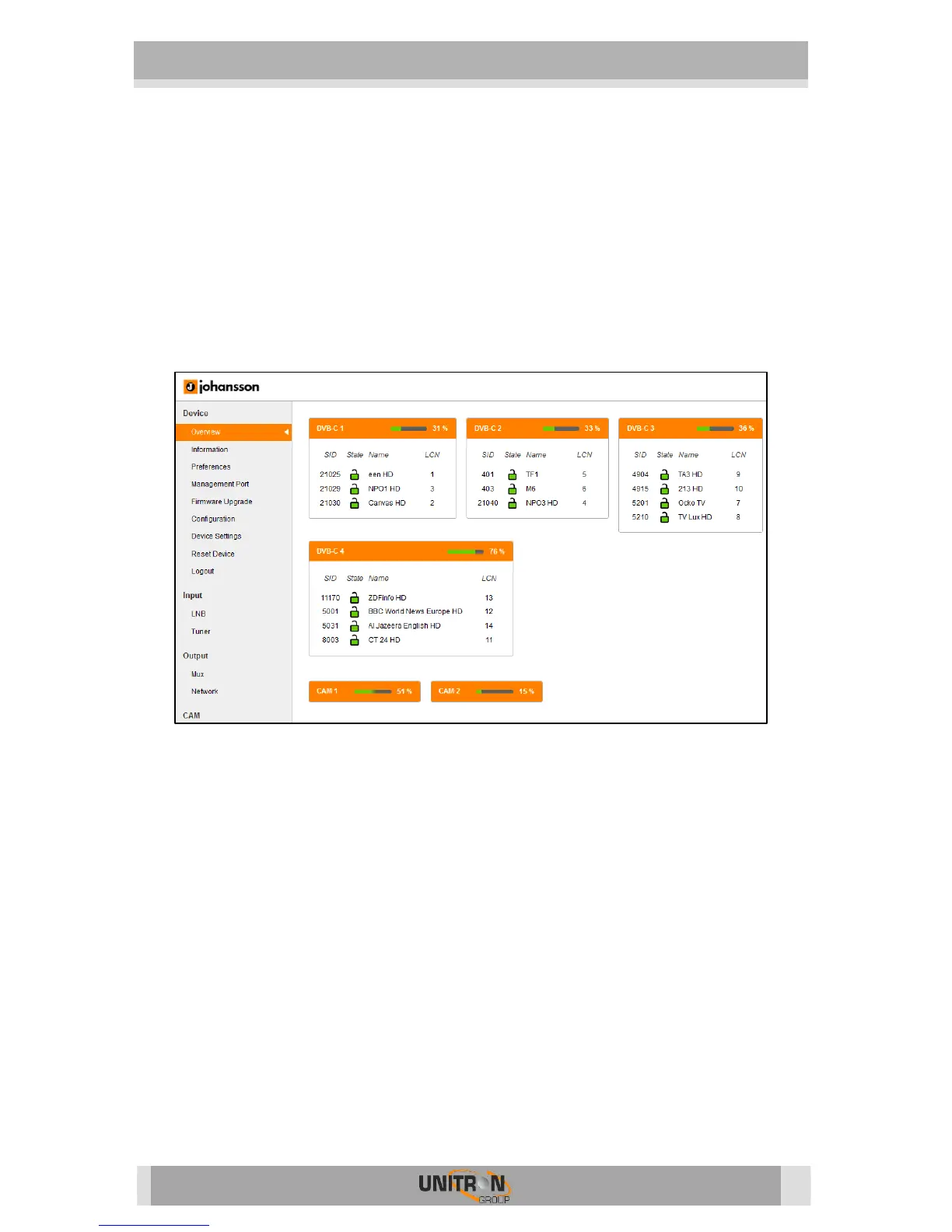
configurations of your Titanium. All settings can be reset to default by
means of a factory reset.
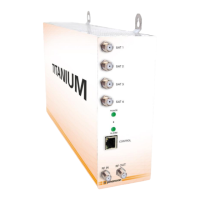
o The Titanium can also be manually reset. This can be done by inserting
a pin (e.g. a paperclip) in the small opening in the front plate of the
Titanium, between the power and alarm LEDs.
▪ By pressing this button less than 2 seconds (LED above control
port will turn RED), the device will reboot
▪ By pressing this button longer than 5 seconds (LED above control
port will blink GREEN), the device will reboot, the IP settings will
be reset and the password will be reset to the default password
“admin”.
- Logout:
o When you are finished configuring the Titanium, click logout to secure
the web interface for unauthorized users.


 To Next Page