9
How to answer Bluetooth
®
phone calls with Moxi All
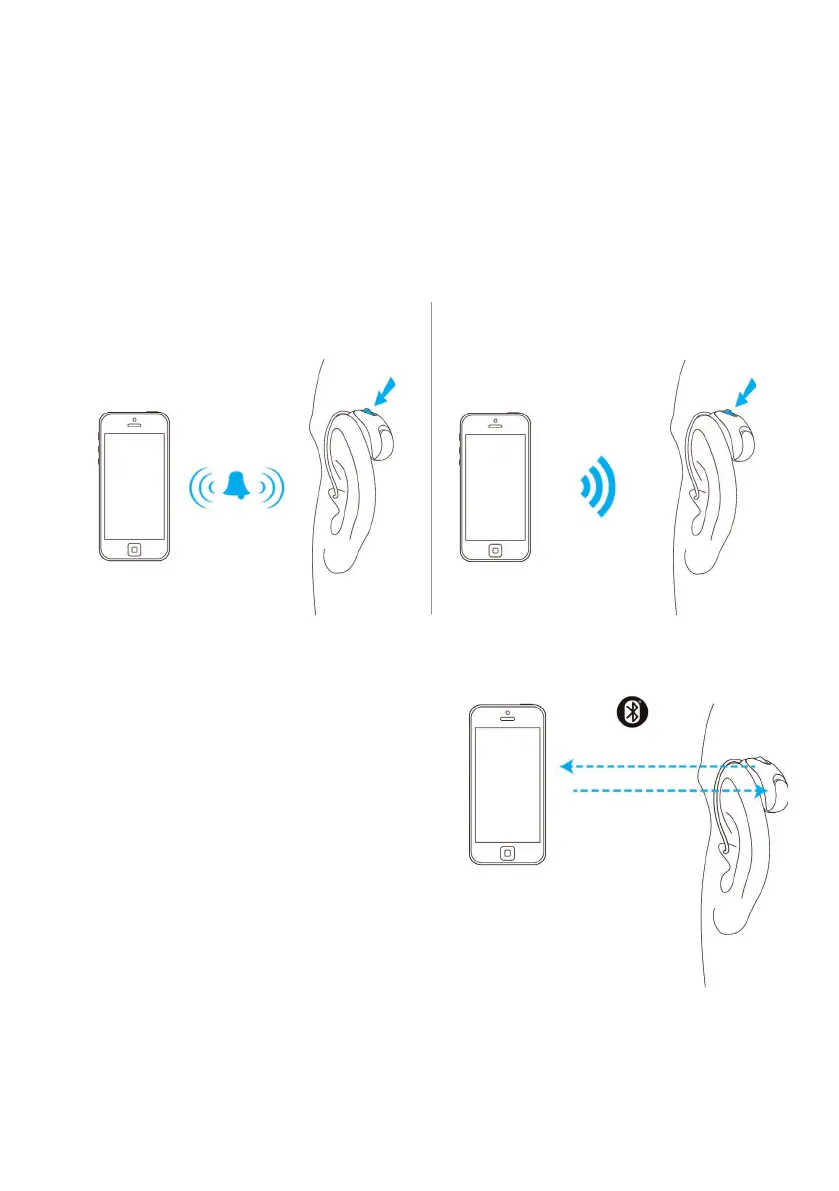
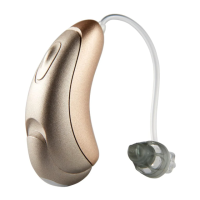
When the phone rings, accept the call with a short press of the push button on
either hearing aid. A long press (>2seconds) of the push button rejects the call/
sends the call to voicemail.
Answer a phone call Reject a phone call/send to voicemail
Phone calls on a mobile phone
Moxi All allows direct communications
with Bluetooth
®
compatible phones
(hands-free classic profile). When paired
and connected to a phone, your patient
will hear the voice of their caller directly
from the hearing aids. The hearing aids
also pick up your patient’s voice using its
own microphones.
short
press < 2
seconds
Votre voix
Voix de l’appelant
long
press > 2
seconds


 To Next Page